XGIMI MoGo 4 vs MoGo 4 Laser: Which Portable Projector Should You Buy?
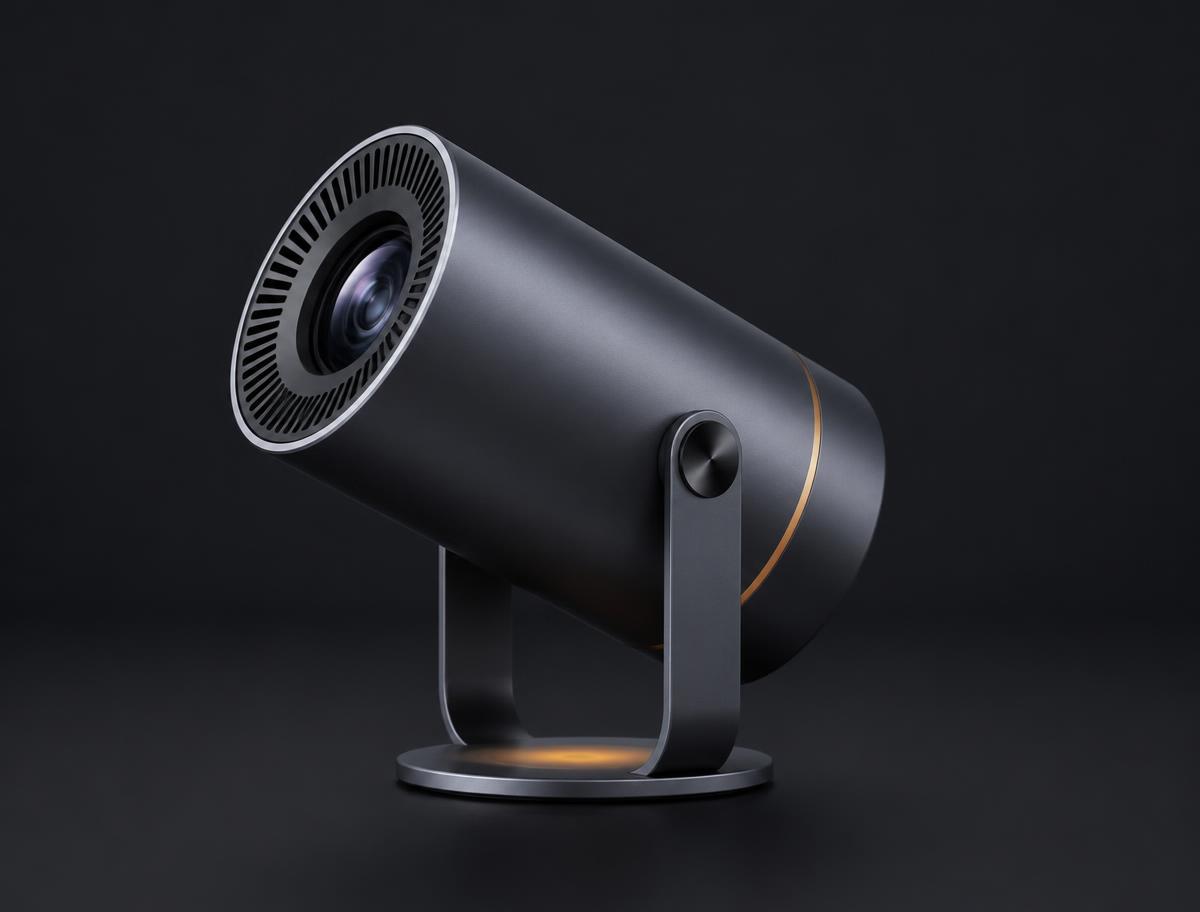
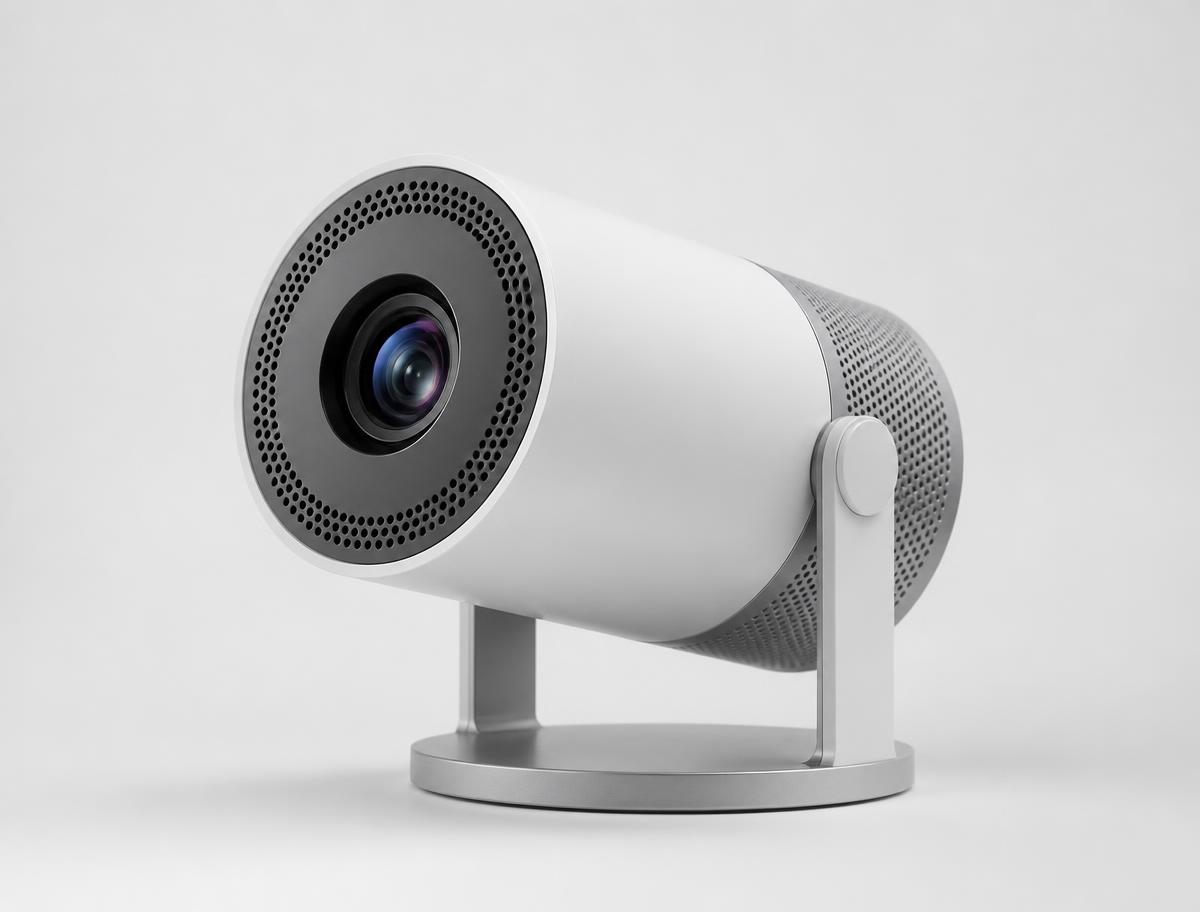
Both are compact XGIMI 1080p smart projectors built for flexible viewing. The practical differences are the light source, brightness and colour capability: the right choice depends on your room, viewing habits and expectations rather than the model name alone.
MoGo 4 uses an LED light source and shares the same compact form factor as MoGo 4 Laser.
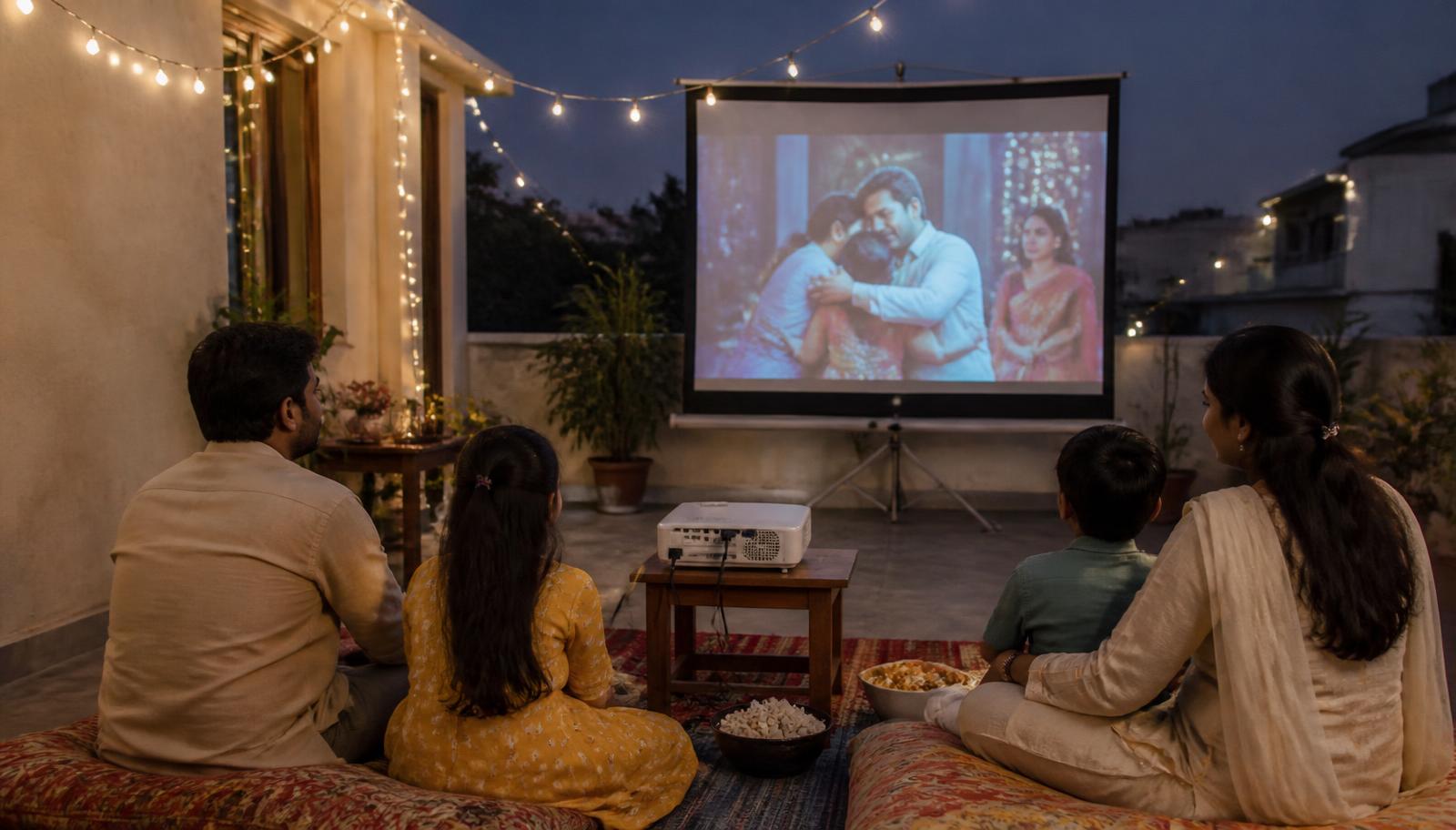
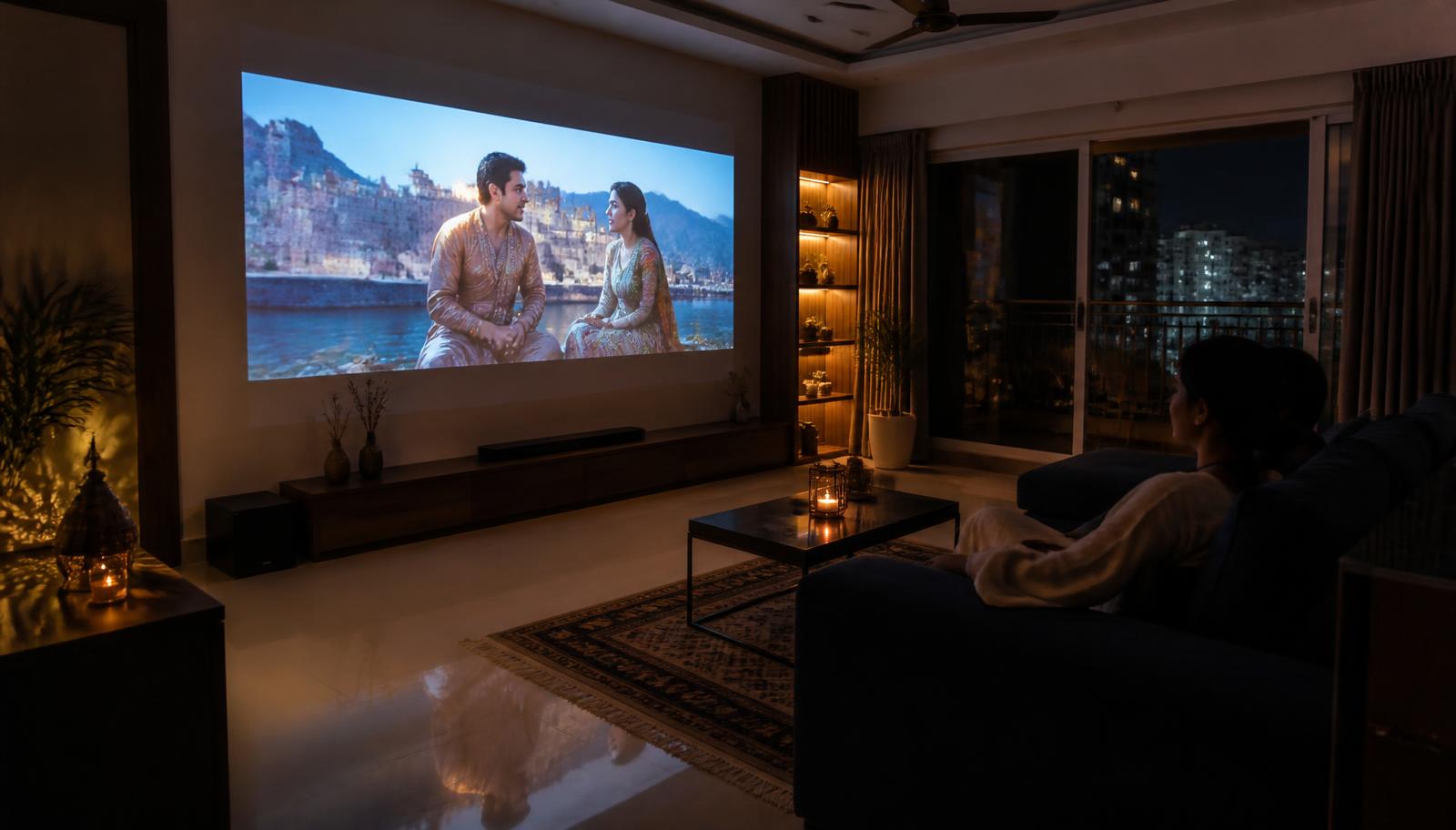
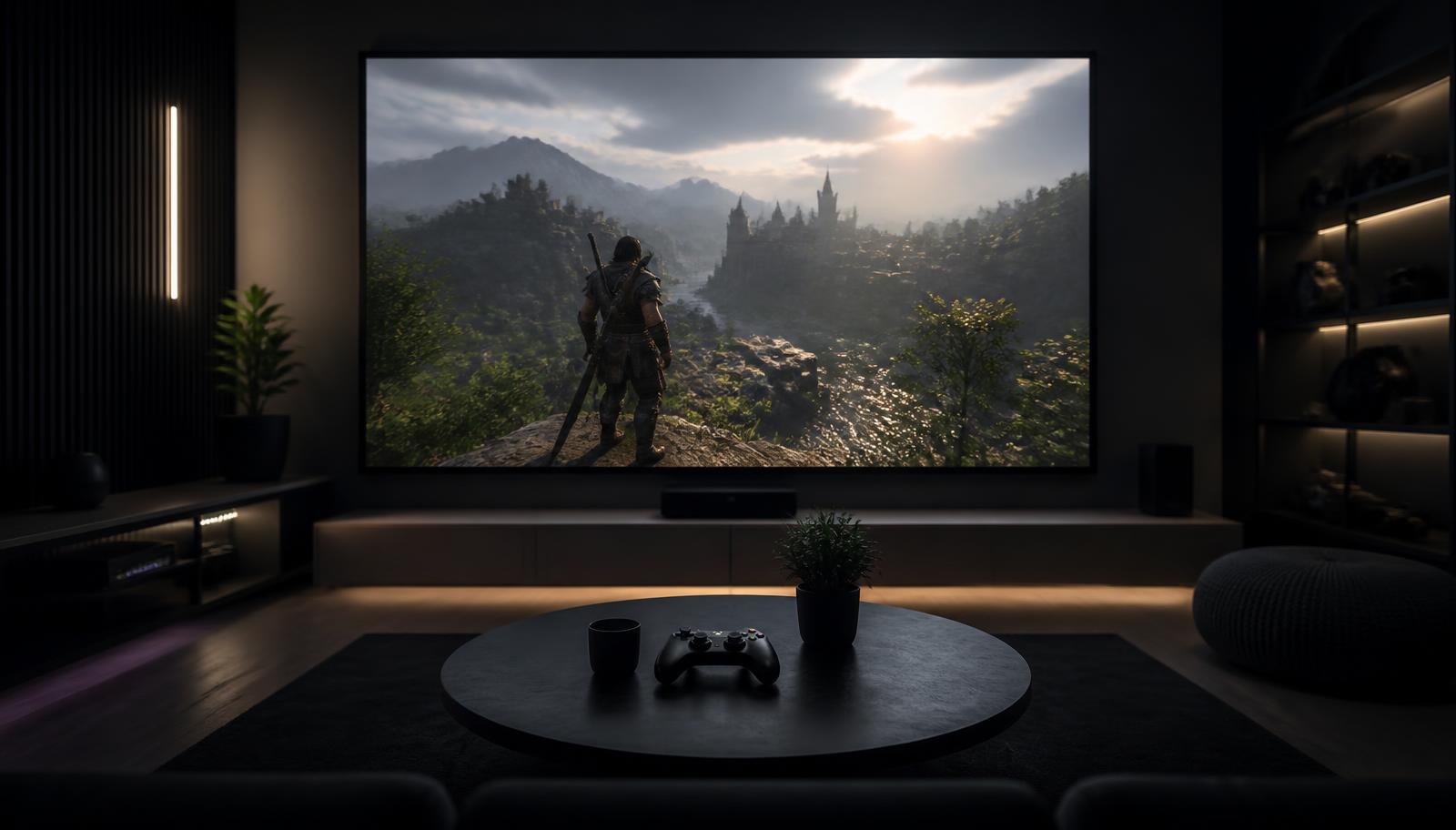
MoGo 4 · 450 ISO lumens · LEDMoGo 4 Laser · 550 ISO lumens · laserA dark bedroom suits both models.Outdoor projection needs darkness and dry conditions.Curtains and a suitable surface protect contrast.Both models publish low-latency 1080p60 modes.
XGIMI MoGo 4 vs MoGo 4 Laser: Quick Answer
Choose XGIMI MoGo 4 when you want portable everyday entertainment for bedrooms, apartments and casual movie nights, and an LED model meets your expectations. Choose XGIMI MoGo 4 Laser when you specifically value its laser light source, 550 ISO lumens instead of 450, and published 110% BT.2020 colour gamut. Both are 1080p, battery-powered Google TV projectors with the same throw ratio, image-size range, audio and published gaming latency. Neither is designed to overcome bright daylight.
Please note: XGIMI projector demonstrations are currently not available at our experience centres. We continue to help with model selection, room planning, screen selection, installation and calibration — contact us to discuss your room.
XGIMI MoGo 4 vs MoGo 4 Laser: Specifications Compared
These are manufacturer-published specifications from the existing LiveInSmart XGIMI catalogue. A missing field is labelled rather than estimated, and regional variants are not blended.
MoGo 4 and MoGo 4 Laser — verified manufacturer specifications
Specification
XGIMI MoGo 4
XGIMI MoGo 4 Laser
Product type
Portable smart projector
Portable laser projector
Light source
LED
Laser
Display technology / chip
DLP / 0.23-inch DMD
DLP / 0.23-inch DMD
Native resolution
1920 × 1080
1920 × 1080
Brightness
450 ISO lumens
550 ISO lumens
Colour gamut
Not specified by manufacturer in the verified catalogue
110% BT.2020
Contrast
Not specified by manufacturer
1000:1
HDR
HDR10; XGIMI notes HDR is not active over HDMI
HDR10; XGIMI notes HDR is not active over HDMI
Throw ratio / image size
1.2:1 / 40–200 inches
1.2:1 / 40–200 inches
Automatic setup
Uninterrupted auto focus and auto keystone
Uninterrupted auto focus and auto keystone
Smart platform
Google TV
Google TV
Built-in audio
2 × 6W Harman/Kardon; Dolby Audio
2 × 6W Harman/Kardon; Dolby Audio
Battery
71.28Wh; up to 2.5h video in Eco mode
71.28Wh; up to 2.5h video in Eco mode
Published gaming latency
≤20ms at 1080p60 with auto keystone off
≤20ms at 1080p60 with auto keystone off
Wireless
Wi-Fi 5 dual-band; Bluetooth 5.1 + BLE
Wi-Fi 5 dual-band; Bluetooth 5.1 + BLE
Connections
HDMI ARC, USB, USB-C PD3.0
HDMI ARC, USB, USB-C PD3.0
Noise
≤28dB at 1m
≤28dB at 1m
Dimensions / weight
207.6 × 96.5 × 96.5mm / 1.31kg
207.6 × 96.5 × 96.5mm / 1.32kg
What Is the Biggest Difference Between MoGo 4 and MoGo 4 Laser?
The biggest difference is the light source. MoGo 4 uses LEDs; MoGo 4 Laser uses a laser light engine and publishes 100 more ISO lumens plus a 110% BT.2020 colour gamut. An LED creates light with semiconductor diodes. An RGB laser system generates colour from laser light, allowing the Laser model to reproduce a wider published colour range. That does not automatically make every picture sharper or make the Laser suitable for daylight. Both models use the same 1080p DLP resolution and 0.23-inch DMD, so room light, surface quality and image size still shape the result.
Choose MoGo 4 if…
Portability, everyday convenience and casual viewing in a dark room are your priorities. Its core experience—1080p, Google TV, battery, auto setup and 12W audio—is closely matched to the Laser model.
Choose MoGo 4 Laser if…
You want the higher published brightness and wider colour capability in the same portable chassis. The upgrade is about the laser light engine and image character, not a change in resolution, battery runtime or speaker output.
MoGo 4 vs MoGo 4 Laser: Image Quality
Both project a native 1920 × 1080 image. The Laser model's 550 ISO lumens provides modestly more light than the MoGo 4's 450 ISO lumens, while its published 110% BT.2020 gamut indicates wider colour capability. The Laser also has a published 1000:1 contrast figure; the verified MoGo 4 listing does not specify one, so no direct contrast claim is made. In a dark room, both can produce an enjoyable image. With some ambient light, the Laser has more headroom, but curtains still matter more than the 100-lumen difference. A 200-inch maximum does not mean equal brightness at every size: spreading the same light over a larger area makes the picture dimmer.
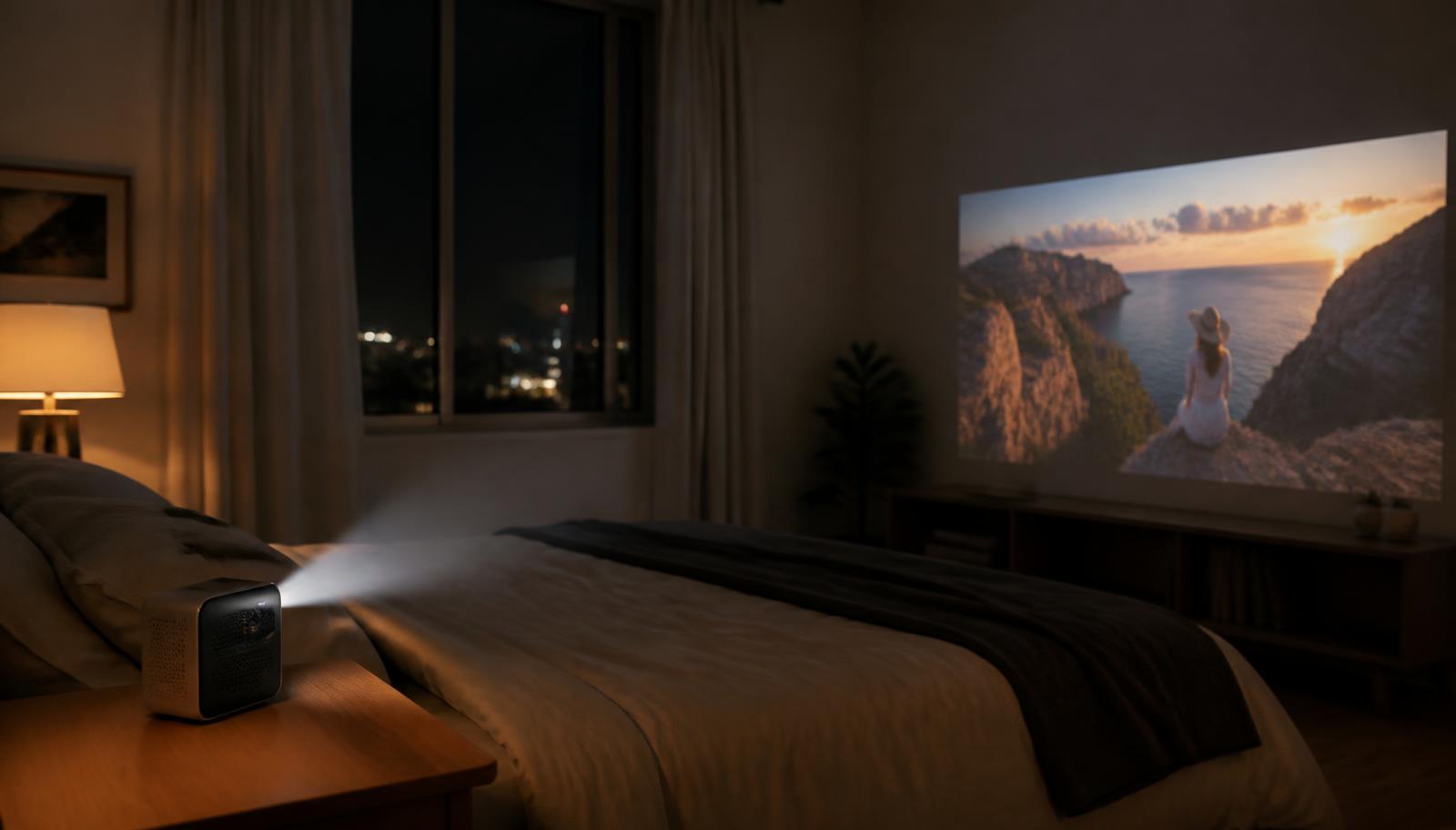
Which Is Better for a Bedroom?
MoGo 4 is enough for many dark bedrooms because its 450 ISO lumens does not have to fight daylight. Its 1.2:1 throw ratio suits shelf, bedside-table or temporary stand placement, while the integrated rotating stand helps aim at a wall or ceiling. MoGo 4 Laser is worth considering if the wall is larger, a little room light remains, or richer colour is a priority. Both publish ≤28dB at one metre, so neither has a noise advantage on paper. For ceiling projection, expect digital keystone correction to reduce effective image detail; a square-on wall placement gives the cleaner result.
Which XGIMI Projector Is Better for an Apartment?
Both models are useful in apartments because they can move between a bedroom and living room without permanent ceiling work. The 1.2:1 throw ratio and rotating stand simplify placement on compact furniture, and the built-in battery removes a cable for shorter sessions. Choose MoGo 4 for mostly dark-room, occasional viewing. Consider MoGo 4 Laser when the living room retains some controlled ambient light or colour reproduction matters more. In rented flats, use a portable screen or a smooth neutral wall rather than drilling. For a permanent, brighter living-room system, compare a mains-powered model rather than forcing either portable beyond its intended role.
MoGo 4 vs MoGo 4 Laser for Outdoor Movie Nights
Both weigh about 1.3kg, have a built-in 71.28Wh battery and publish up to 2.5 hours of video in Eco mode, so either can cover many films without mains power. MoGo 4 Laser's extra brightness helps, but outdoor projection still needs real darkness and a stable, smooth screen. Keep the projector close enough to avoid making the image unnecessarily large and dim. Built-in Harman/Kardon speakers work for a small group; external audio may be clearer in an open space. Use outdoors only in suitable dry conditions and protect the projector from moisture, rain, dust and extreme temperatures according to manufacturer guidance.
MoGo 4 vs MoGo 4 Laser for Gaming
The two models are effectively level for gaming on published figures: both support 1080p60 with latency of ≤20ms when auto keystone is switched off, rising to ≤56ms with it enabled. Physically square the projector to the screen and select the low-latency mode for the fastest response. HDMI connects a console; the large image works well for cinematic and social games. Neither should be described as a dedicated competitive gaming projector. Players prioritising high refresh rates or 4K should compare the XGIMI gaming range instead.
Smart Features: Google TV, Netflix and Streaming
Both models run Google TV and are listed with licensed Netflix support, so their core streaming experience is the same. Both use dual-band Wi-Fi 5, Bluetooth 5.1 + BLE, one HDMI ARC input, one USB port and USB-C PD3.0 charging. Google TV organises compatible apps and recommendations in one interface; support for any individual service can change by region and app provider, so check the service you care about before ordering. HDMI remains the dependable connection for consoles and external sources, while Bluetooth can connect compatible audio devices.
Built-In Audio: Is It Enough?
Each model has two 6W Harman/Kardon speakers with Dolby Audio support. That is convenient for a bedroom, travel or a small movie night, and there is no published speaker-output advantage for the Laser. For dialogue at larger gatherings or a more immersive film soundtrack, connect suitable external audio through supported outputs. A permanent cinema benefits from a properly placed speaker system rather than asking a compact projector to fill the whole room. See LiveInSmart home theatre setup and audio-video solutions.
Do You Need a Screen for MoGo 4 or MoGo 4 Laser?
No—a smooth, neutral, matt wall can work for casual viewing. A screen gives more consistent colour, geometry and brightness across the image, and a portable screen provides a cleaner surface outdoors. Avoid strongly coloured or textured walls because they tint and scatter the picture. Choose size from the real throw distance and viewing distance, then control ambient light before chasing the published 200-inch maximum. Explore projector screens or ask LiveInSmart to match a surface to the room.
How Far Should the MoGo 4 Be From the Screen?
Both models use a 1.2:1 throw ratio. In simple terms, approximate throw distance equals image width multiplied by 1.2. These calculations describe lens-to-screen distance, not where the viewer should sit. Final placement should be checked in the room because digital correction, furniture depth and wall edges affect the usable picture.
Approximate throw distance calculated from the published 1.2:1 ratio
Approximate image size
Approximate image width
Approximate throw distance
80 inches
1.77m
2.12m
100 inches
2.21m
2.66m
120 inches
2.66m
3.19m
Which One Is Right for You?
There is no universal winner. Match the specification difference to the way you actually plan to watch.
Use-case decision matrix
User or requirement
Recommended consideration
Dark bedroom
Consider MoGo 4; 450 ISO lumens is often sufficient with light controlled
Apartment living room
Consider Laser for extra light; consider a fixed model if daytime viewing matters
Outdoor movie night
Either after dark; Laser offers more light, but both require dry conditions
Frequent travel
Either; only 10g separates their published weights
Casual console gaming
Either; both publish the same low-latency figures
Colour-focused viewing
Consider MoGo 4 Laser for its published 110% BT.2020 gamut
Occasional viewing
Consider MoGo 4 when the shared core features are the priority
Some ambient light
Consider Laser, then improve curtains or screen; neither is a daylight projector
MoGo 4 vs MoGo 4 Laser: Real-World Scenarios
Five common buying situations show why the room matters more than a simple model ranking.
I want a projector for my bedroom
Prioritise quiet operation, short throw distance and easy placement. MoGo 4 covers those needs; choose Laser only if its extra brightness and wider published colour are meaningful to you.
I want to move it between rooms
Both use the same compact form, rotating stand, battery class and connection set. There is no material portability difference.
I want movie nights on my terrace
Wait for darkness, use a stable screen and keep weather protection central. Laser gives slightly more light, while battery runtime is the same on published figures.
I care strongly about colour
MoGo 4 Laser is the directly relevant model because XGIMI publishes 110% BT.2020. The verified MoGo 4 catalogue does not publish a comparable gamut figure.
I want a portable for gaming
Both publish ≤20ms at 1080p60 with auto keystone off. Choose based on image priorities, then place the projector square to the screen.
Is the XGIMI MoGo 4 Laser Worth the Upgrade?
It may be worth considering if laser technology, 100 additional ISO lumens and the published 110% BT.2020 colour gamut matter to your viewing. MoGo 4 can make more sense when you mainly watch in a dark room and prioritise the shared portable experience: 1080p resolution, Google TV, battery operation, automatic setup and 12W audio. Talk to a projector expert to compare both models against your room, screen size and viewing habits.
Planning an XGIMI setup in Telangana & Andhra Pradesh
LiveInSmart provides XGIMI model guidance, screen selection, installation and AV integration across Telangana and Andhra Pradesh. Customers in Hyderabad, Vijayawada, Visakhapatnam and other cities across both states can discuss whether a portable fits the room or whether a brighter, permanent home-theatre projector is more appropriate. Demonstrations are currently not available at our Ameerpet, Hyderabad and Ashok Nagar, Vijayawada experience centres, but our team guides you using published specifications and real installation experience. Speak to the LiveInSmart AV team or WhatsApp us for a room-matched recommendation.
Looking Beyond the MoGo Series?
Choose by use case, not by stepping automatically to a larger model. XGIMI Halo+ is the brighter battery portable at 700 ISO lumens. XGIMI AURA 2 is a 4K ultra-short-throw option for console placement. XGIMI HORIZON 20 and HORIZON 20 Pro are mains-powered 4K RGB triple-laser projectors intended for fixed living-room or cinema installations. Compare the full family on the XGIMI projector comparison.
What Should You Consider Before Buying a Portable Projector?
Work through the room before selecting the model. These questions expose most mismatches early.
Room size and usable lens-to-screen distance
Ambient light at the time you normally watch
A smooth wall, portable screen or permanent screen
Desired image size and realistic brightness at that size
1080p resolution versus a genuine need for a fixed 4K system
LED versus laser colour capability
Battery runtime in Eco mode and access to mains power
Built-in audio versus external speakers
HDMI, USB-C, Wi-Fi and Bluetooth requirements
Casual gaming versus competitive latency expectations
How often the projector will move and how it will be protected
Before You Choose Your MoGo 4 or MoGo 4 Laser
Use this checklist before requesting a recommendation. It gives the existing contact team enough context without adding another form to the website.
Note the room and whether it is a bedroom, living room or outdoor space
Measure the approximate lens-to-wall distance
Record the wall or screen width and your preferred image size
Check how dark the room becomes at your normal viewing time
Decide whether battery operation is essential or mains power is available
List the streaming services, console and external audio you plan to connect
Decide whether the setup must remain portable or become a permanent home theatre
A portable projector is easy to choose from a specification sheet and easy to get wrong for the room it ends up in. The LiveInSmart team can help assess the model, screen, placement, sound and installation as one system.
Room-first guidance based on published XGIMI specifications
Room-first advice: we match MoGo 4 or MoGo 4 Laser to your wall, throw distance, ambient light and viewing habits before you commit
Guidance from our Ameerpet, Hyderabad and Ashok Nagar, Vijayawada teams — note that XGIMI demonstrations are currently not available
Screen, mounting, cabling, power and acoustic guidance from an AV team that installs full home theatres every week
Clear scope planning covering screen, mounting, cabling and installation before work begins
Integration with your existing home theatre, TV, soundbar, gaming console or home automation setup
Installation and handover by our own engineers, plus after-sales support and manufacturer warranty assistance
One enquiry route across the website: talk to the LiveInSmart team, call or WhatsApp — no extra forms, no pressure selling
Reviewed by the LiveInSmart AV Team
This guide uses XGIMI's published specifications as recorded in LiveInSmart's verified model catalogue, combined with practical room, screen, placement and AV-integration considerations. Specifications may change by manufacturer or region, so verify the exact model specifications before making a decision. No customer rating or unverified performance claim has been added.
Experience Centre · Hyderabad
Visit our Hyderabad showroom
Book a free demo at the LiveInSmart Hyderabad Experience Centre — listen to Dolby Atmos, see 4K laser projectors and walk through live home-automation scenes before you buy.
Pancom Business Centre, Mumbai Hwy, Nagarjuna Nagar Colony, Ameerpet, Hyderabad 500073
What is the difference between XGIMI MoGo 4 and MoGo 4 Laser?+
MoGo 4 uses LED at 450 ISO lumens. MoGo 4 Laser uses a laser light source at 550 ISO lumens and publishes 110% BT.2020 colour. Their resolution, battery, throw ratio, audio and gaming latency are otherwise closely matched.
Is MoGo 4 Laser brighter than MoGo 4?+
Yes. XGIMI publishes 550 ISO lumens for MoGo 4 Laser and 450 ISO lumens for MoGo 4.
Are both projectors 1080p?+
Yes. Both have a native 1920 × 1080 resolution using a 0.23-inch DMD.
Do both models have a built-in battery?+
Yes. Both list a 71.28Wh battery with up to 2.5 hours of video playback in Eco mode.
Do MoGo 4 and MoGo 4 Laser support Netflix?+
Both run Google TV and are listed by XGIMI with licensed Netflix support.
Which is better for a bedroom?+
MoGo 4 suits most dark bedrooms. Consider MoGo 4 Laser when you want more brightness or its wider published colour capability.
Which is better for outdoor movie nights?+
Both are portable and battery powered; MoGo 4 Laser offers 100 more ISO lumens. Either still needs darkness, a stable surface and protection from weather.
Which is better for gaming?+
Neither has a published latency advantage. Both list ≤20ms at 1080p60 with auto keystone off and ≤56ms with it on.
Do I need a projector screen?+
No. A smooth neutral wall works, but a proper screen improves consistency, geometry and perceived contrast.
Can I connect external speakers?+
Yes, using compatible wired or Bluetooth connections. For a permanent cinema, use a proper audio system where the final connection plan supports it.
Can I use either projector in an apartment?+
Yes. Their compact size, battery and rotating stand suit apartments where permanent mounting is not practical.
How do I choose between MoGo 4 and MoGo 4 Laser?+
Choose MoGo 4 for the shared portable essentials in a dark room. Choose MoGo 4 Laser when its higher brightness and wider published colour capability matter to you.
Where can I compare XGIMI projectors in Hyderabad?+
Book an appointment at LiveInSmart's Ameerpet experience centre to discuss the room and compare suitable XGIMI options.
Still not sure which XGIMI projector is right for you?
Share your room size, viewing distance and intended use with our projector specialists. The LiveInSmart AV team will compare the MoGo models and suitable alternatives for your room.