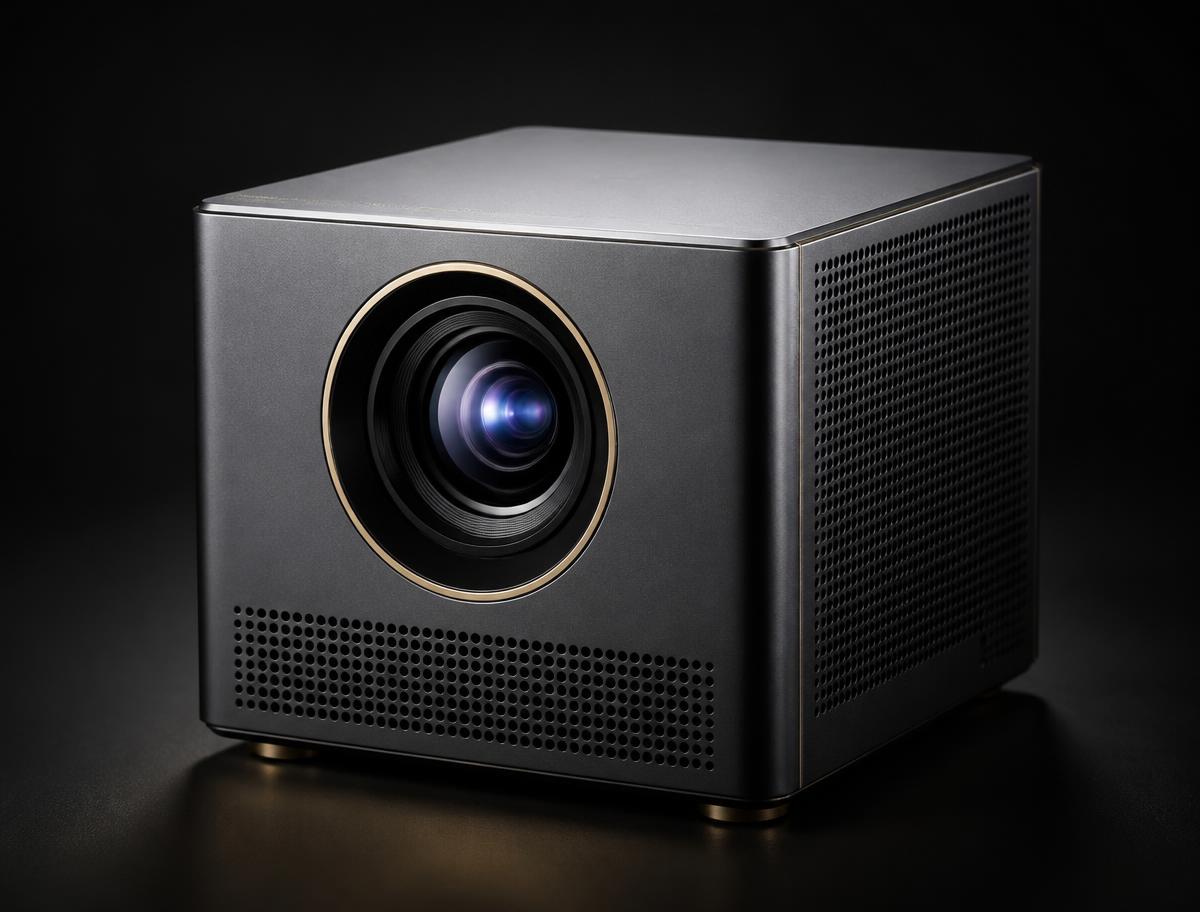
4100 ISO lumen 4K RGB triple-laser projector with lens shift, optical zoom and 1ms gaming latency. Best for large living rooms and media rooms with some ambient light, and for serious console gaming. Specifications below are XGIMI's published figures — nothing is estimated.
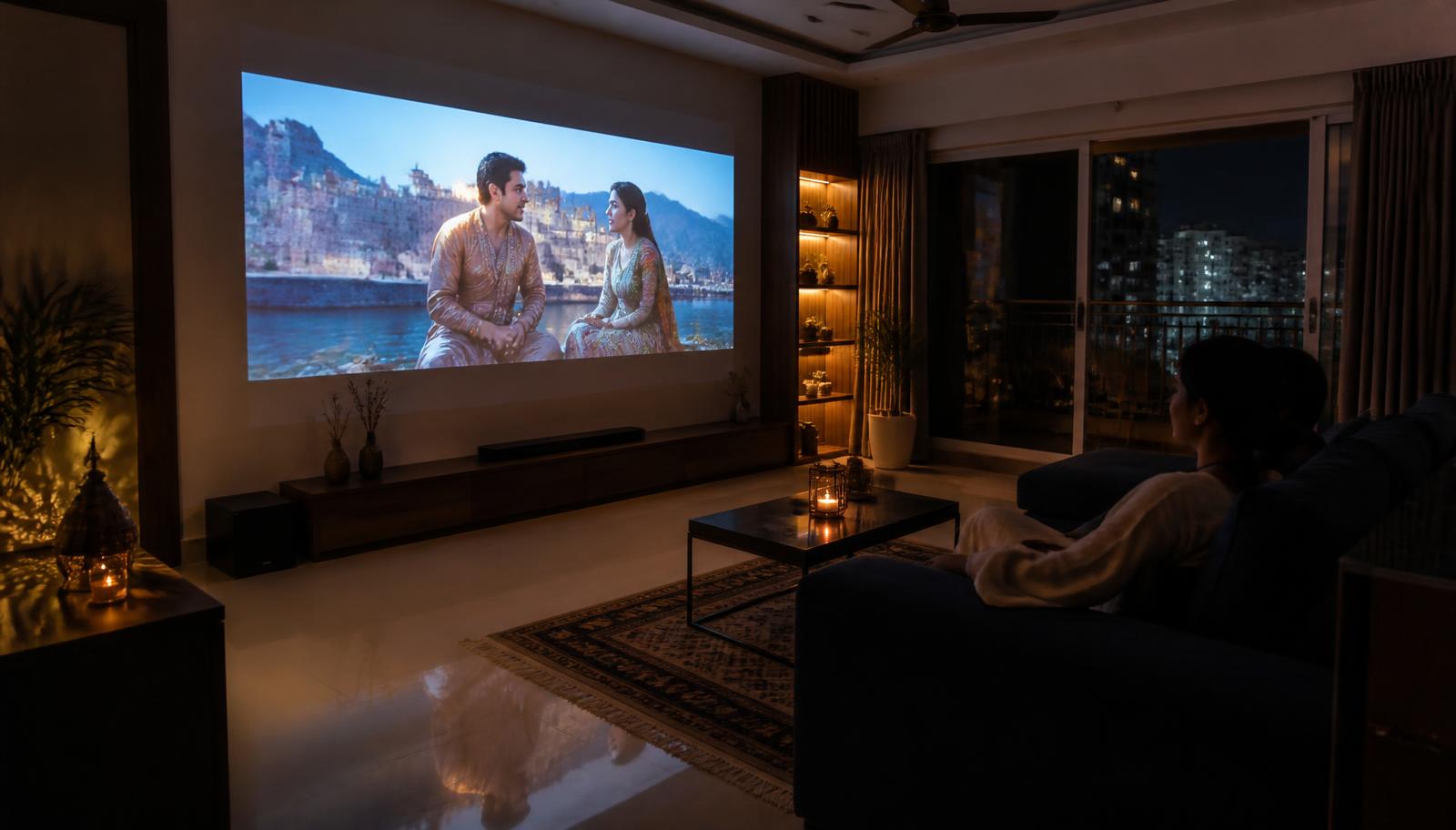
Typical use case for the XGIMI HORIZON 20 Pro — LiveInSmart lifestyle photography, not a customer installation.
Quick answer
The XGIMI HORIZON 20 Pro is a 4k rgb triple-laser home projector with 4100 ISO lumens, 3840 × 2160 (4K) resolution and a rgb triple laser light source, running Google TV. Best for large living rooms and media rooms with some ambient light, and for serious console gaming. It is mains-powered and intended for a fixed installation. LiveInSmart provides room assessment, screen selection, installation and calibration guidance across Telangana and Andhra Pradesh.
Please note: XGIMI projector demonstrations are currently not available at our experience centres. We continue to help with model selection, room planning, screen selection, installation and calibration — contact us to discuss your room.
What the HORIZON 20 Pro actually is
4100 ISO lumen 4K RGB triple-laser projector with lens shift, optical zoom and 1ms gaming latency. Best for large living rooms and media rooms with some ambient light, and for serious console gaming. In plain terms: it solves the problem of getting a big picture into a room where a television of that size would be impractical, unaffordable or simply too dominant.
Where it works best
A living room, media room or dedicated cinema room where the projector is installed once, aimed properly at a matched screen, and calibrated.
What it is not
Ultra short throw placement on a console — choose the AURA 2 for that geometry.
Quick specification summary
The fields below are XGIMI's published figures for this model. Where XGIMI does not publish a value, it is marked rather than estimated.
XGIMI HORIZON 20 Pro — key published specifications
We measure throw distance, decide between shelf, table and ceiling mounting, size the screen against seating distance, plan power and HDMI routing before the ceiling is closed, and calibrate the picture after installation. See projector installation in Hyderabad.
Turn an XGIMI projector into a complete home theatre
A projector is one component. The result people actually remember comes from the whole chain: display, screen, sound, room treatment and control. This is the part LiveInSmart does day to day — see our home theatre setup guide and Dolby Atmos page.
Projector and matched screen — gain, size and ambient-light rejection chosen for your room
AV receiver and speakers — 5.1, 5.1.2 or 7.1.4 depending on room and ceiling
Subwoofer placement and level matching
Acoustic treatment at first reflection points — see the acoustics guide
Lighting and motorised shades so the room can actually go dark
Smart control so one button runs the whole sequence
Create a smart cinema scene
With home automation in place, a single Movie Mode scene can dim the lights, close the curtains, drop the screen, power up the AV receiver and start playback. What can be automated depends on the projector, the automation platform and the equipment connected to it — we confirm exactly which steps are supported for your combination during system planning. See home automation.
Warranty guidance
XGIMI publishes a 1-year limited warranty for MoGo 4, MoGo 4 Laser and Halo+, and a 2-year limited warranty for HORIZON 20, HORIZON 20 Pro, HORIZON 20 Max and AURA 2. Verify the warranty terms applicable to the exact model and region before making a decision.
Experience Centre · Hyderabad
Visit our Hyderabad showroom
Book a free demo at the LiveInSmart Hyderabad Experience Centre — listen to Dolby Atmos, see 4K laser projectors and walk through live home-automation scenes before you buy.
Pancom Business Centre, Mumbai Hwy, Nagarjuna Nagar Colony, Ameerpet, Hyderabad 500073
4100 ISO lumen 4K RGB triple-laser projector with lens shift, optical zoom and 1ms gaming latency. XGIMI publishes 4100 ISO lumens, 3840 × 2160 (4K) native resolution and a rgb triple laser light source for this model.
How bright is the XGIMI HORIZON 20 Pro and what does that mean in a real room?+
XGIMI publishes 4100 ISO lumens for this model. ISO lumens are measured in controlled conditions, so treat the figure as a ceiling: the same projector looks far better in a room with curtains drawn than in one with open windows. At this brightness the projector can hold up in a living room with some ambient light, particularly on a screen chosen for light rejection.
What screen size suits the XGIMI HORIZON 20 Pro?+
XGIMI publishes an image size range of 40" – 300". The usable size in your room depends on throw distance, ambient light and seating distance — bigger is not automatically better, because the same light is spread over more area.
Does the XGIMI HORIZON 20 Pro have a battery?+
No. This is a mains-powered projector intended for a fixed installation.
Is the XGIMI HORIZON 20 Pro good for gaming?+
XGIMI publishes 1ms at 1080p240Hz, 2.2ms at 1080p120Hz, 3ms at 4K60Hz for this model. Latency figures assume the low-latency picture mode; enabling auto keystone raises it on the portable models.
Can the XGIMI HORIZON 20 Pro be ceiling mounted?+
Yes — this is a mains-powered home projector and is commonly ceiling- or shelf-mounted. We plan the mount position, power and HDMI routing before the false ceiling is closed.
Who should not buy the XGIMI HORIZON 20 Pro?+
Ultra short throw placement on a console — choose the AURA 2 for that geometry. Small bedrooms where a portable is more practical. Buyers who only ever watch in a fully darkened room and do not need 4100 ISO lumens.
What warranty applies to the XGIMI HORIZON 20 Pro in India?+
XGIMI publishes a 1-year limited warranty for MoGo 4, MoGo 4 Laser and Halo+, and a 2-year limited warranty for HORIZON 20, HORIZON 20 Pro, HORIZON 20 Max and AURA 2. Verify the warranty terms applicable to the exact model and region before making a decision.
Where can I see the XGIMI HORIZON 20 Pro in Telangana or Andhra Pradesh?+
XGIMI projector demonstrations are currently not available at our experience centres. Contact the LiveInSmart team to discuss suitable XGIMI options for your room — we guide you using published specifications and our installation experience.
Need help choosing the right XGIMI projector?
Share your room size, viewing distance and intended use with our projector specialists. Demonstrations are currently not available, but the LiveInSmart AV team will recommend the right model using published specifications and our installation experience.