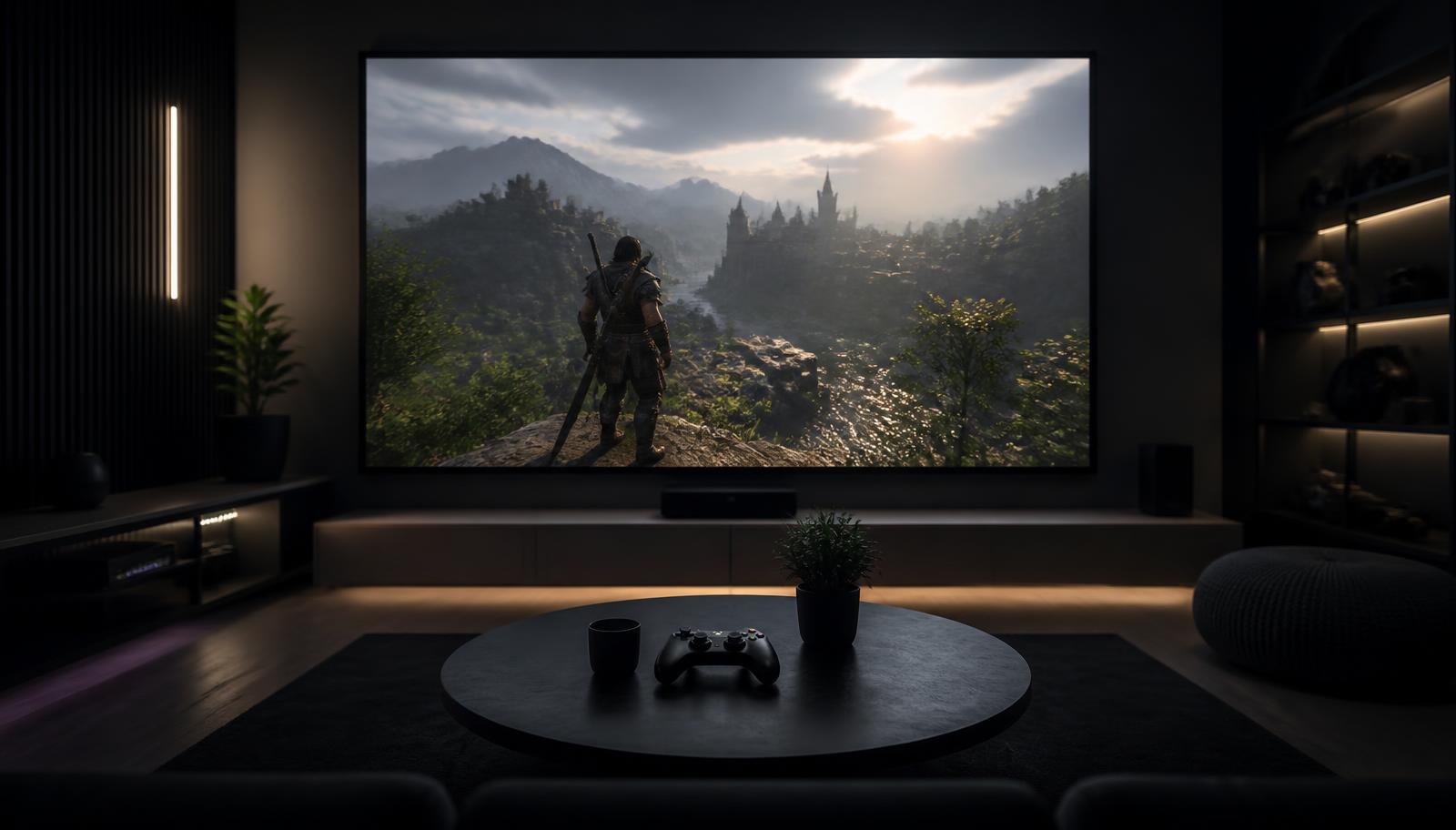
Console game displayed at large scale on a projection screen in a darkened room
    Use Case · Gaming

    XGIMI Projector for Gaming

    Not every XGIMI projector is a gaming projector. These are the published figures, and what they mean once the projector is on your wall.

    Quick answer

    For gaming, the HORIZON 20 family is the answer: XGIMI publishes 1ms input lag at 1080p240Hz, 2.2ms at 1080p120Hz and 3ms at 4K60Hz on the 20 Pro and 20 Max, with VRR and ALLM on the HORIZON 20. AURA 2 publishes latency down to 20ms. The portables — MoGo 4 and MoGo 4 Laser at ≤20ms, Halo+ at ≤27ms at 1080p60 — are fine for casual play but those figures assume auto keystone is switched off.

    Please note: XGIMI projector demonstrations are currently not available at our experience centres. We continue to help with model selection, room planning, screen selection, installation and calibration — contact us to discuss your room.

    The auto-keystone trap

    On the portables, the headline latency figure assumes auto keystone is off. Switch it on and XGIMI's own numbers rise to ≤56ms on the MoGo 4 and ≤60ms on the Halo+. If you game on a portable, square the projector to the screen physically and turn the correction off.

    Refresh rate and resolution trade-offs

    The HORIZON 20 Pro and Max publish 240Hz at 1080p, 120Hz at 1080p and 60Hz at 4K. Competitive shooters benefit from the high-refresh 1080p modes; single-player and cinematic games are better at 4K60 with HDR. You can switch per game — the projector does not have to be set up one way.

    Screen and light for gaming

    Games are often played in the evening with some room light on. That favours a higher-brightness model and an ambient-light-rejecting screen. Gaming also burns static HUD elements into your attention rather than the panel — projectors have no burn-in risk, which is one genuine advantage over an OLED television.

    The models that qualify

    Only the models whose published specifications support this use case are listed.

    Published specifications for the relevant models
    ModelResolutionBrightnessLight sourceBatteryImage size
    XGIMI MoGo 41920 × 1080 (Full HD)450 ISO lumensLEDYes40" – 200"
    XGIMI Halo+ (Google TV)1920 × 1080 (Full HD)700 ISO lumensLEDYes40" – 200"
    XGIMI HORIZON 203840 × 2160 (4K)3200 ISO lumensRGB triple laser (X-Master engine)NoNot specified by manufacturer
    XGIMI HORIZON 20 Pro3840 × 2160 (4K)4100 ISO lumensRGB triple laserNo40" – 300"
    XGIMI HORIZON 20 Max3840 × 2160 (4K)5700 ISO lumensRGB triple laserNo40" – 300"

    Turn an XGIMI projector into a complete home theatre

    A projector is one component. The result people actually remember comes from the whole chain: display, screen, sound, room treatment and control. This is the part LiveInSmart does day to day — see our home theatre setup guide and Dolby Atmos page.

    • Projector and matched screen — gain, size and ambient-light rejection chosen for your room
    • AV receiver and speakers — 5.1, 5.1.2 or 7.1.4 depending on room and ceiling
    • Subwoofer placement and level matching
    • Acoustic treatment at first reflection points — see the acoustics guide
    • Lighting and motorised shades so the room can actually go dark
    • Smart control so one button runs the whole sequence

    Warranty guidance

    XGIMI publishes a 1-year limited warranty for MoGo 4, MoGo 4 Laser and Halo+, and a 2-year limited warranty for HORIZON 20, HORIZON 20 Pro, HORIZON 20 Max and AURA 2. Verify the warranty terms applicable to the exact model and region before making a decision.

    Experience Centre · Hyderabad

    Visit our Hyderabad showroom

    Book a free demo at the LiveInSmart Hyderabad Experience Centre — listen to Dolby Atmos, see 4K laser projectors and walk through live home-automation scenes before you buy.

    Pancom Business Centre, Mumbai Hwy, Nagarjuna Nagar Colony, Ameerpet, Hyderabad 500073

    Frequently Asked Questions

    What is the lowest input lag on an XGIMI projector?+

    XGIMI publishes 1ms at 1080p240Hz on the HORIZON 20 Pro and HORIZON 20 Max, and 1ms up to 240Hz on the HORIZON 20.

    Do XGIMI projectors support VRR and ALLM?+

    XGIMI lists VRR and ALLM for the HORIZON 20. For other models, only figures stated on the specification sheet are included.

    Is a projector good for PS5 or Xbox gaming?+

    Yes, on a low-latency model. Connect over HDMI, use the low-latency picture mode, and switch off keystone correction and motion interpolation, which both add delay.

    Can I game on an XGIMI portable?+

    For casual and couch multiplayer, yes — MoGo 4 and MoGo 4 Laser publish ≤20ms at 1080p60 with auto keystone off. For competitive play, the HORIZON 20 family is the right class of product.

    Does MEMC affect gaming latency?+

    Motion interpolation adds processing delay by design. Leave it off for gaming and use it, if at all, for film content.

    Need help choosing the right XGIMI projector?

    Share your room size, viewing distance and intended use with our projector specialists. Demonstrations are currently not available, but the LiveInSmart AV team will recommend the right model using published specifications and our installation experience.

    Get XGIMI Expert Recommendation