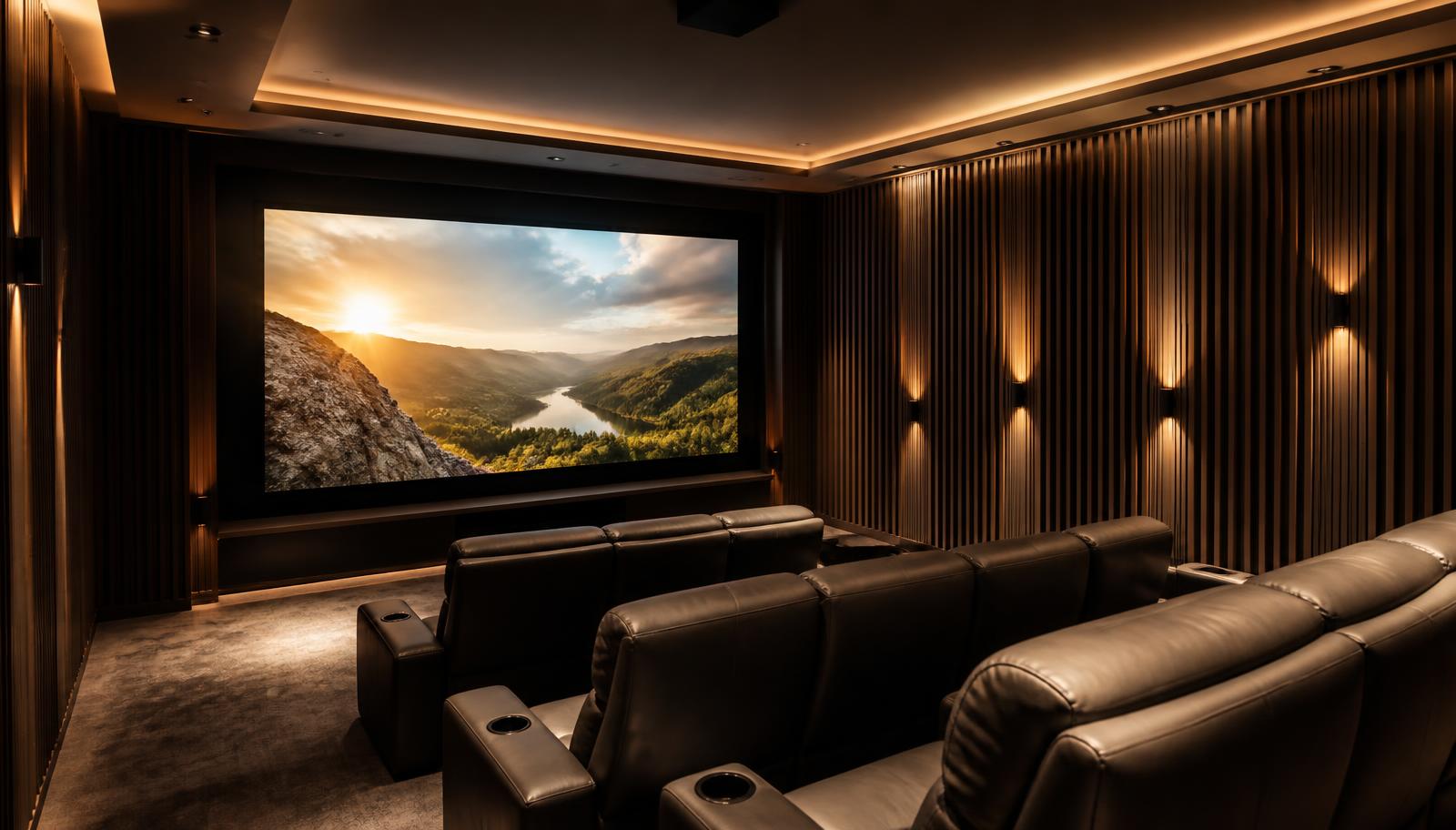
Dedicated home cinema room with recliner seating and a large projected image
    Use Case · Home Theatre

    XGIMI Projector for Home Theatre

    A home theatre is a system, not a projector. Here is how the XGIMI range fits into one, and what has to be right around it.

    Quick answer

    For a dedicated cinema room, the HORIZON 20 Max (5700 ISO lumens) or HORIZON 20 Pro (4100) — native 4K RGB triple laser with Dolby Vision, HDR10+ and IMAX Enhanced, lens shift and optical zoom for flexible mounting. For a living-room theatre where nothing can be ceiling mounted, the AURA 2 ultra short throw. Screen choice, acoustic treatment and calibration matter as much as the projector.

    Please note: XGIMI projector demonstrations are currently not available at our experience centres. We continue to help with model selection, room planning, screen selection, installation and calibration — contact us to discuss your room.

    Sizing the projector to the room, not the catalogue

    The order we work in: measure the room, fix the seating distance, derive the screen size, then choose the projector that can light that screen at the ambient-light level you actually watch in. Doing it the other way round — picking a projector then discovering the screen is too big for it — is the most common and most expensive mistake.

    • Seating distance of 1.2 to 1.5 times the screen width suits most 4K home cinema rooms
    • Larger screens need proportionally more light; area grows with the square of the diagonal
    • Dark walls, dark ceiling and dark flooring add perceived contrast for free
    • A matched screen is not optional in a bright room

    Where the audio comes in

    The HORIZON 20 family's 2 × 12W Harman/Kardon speakers and the AURA 2's 4 × 15W array are genuinely usable, but a home theatre wants a separate AV receiver and speaker layout. HDMI eARC on these models carries the audio out to the receiver. See Dolby Atmos home theatre in Hyderabad.

    Calibration is the step people skip

    Out of the box, every projector ships in a mode designed to look bright in a showroom. We calibrate picture mode, colour temperature, gamma and HDR tone mapping against the screen actually installed, in the room's actual light. It costs nothing in hardware and changes the picture more than a model upgrade would.

    The models that qualify

    Only the models whose published specifications support this use case are listed.

    Published specifications for the relevant models
    ModelResolutionBrightnessLight sourceBatteryImage size
    XGIMI AURA 23840 × 2160 (4K)2300 ISO lumensDual Light 2.0 (laser + LED hybrid)No90" – 150"
    XGIMI HORIZON 203840 × 2160 (4K)3200 ISO lumensRGB triple laser (X-Master engine)NoNot specified by manufacturer
    XGIMI HORIZON 20 Pro3840 × 2160 (4K)4100 ISO lumensRGB triple laserNo40" – 300"
    XGIMI HORIZON 20 Max3840 × 2160 (4K)5700 ISO lumensRGB triple laserNo40" – 300"

    Turn an XGIMI projector into a complete home theatre

    A projector is one component. The result people actually remember comes from the whole chain: display, screen, sound, room treatment and control. This is the part LiveInSmart does day to day — see our home theatre setup guide and Dolby Atmos page.

    • Projector and matched screen — gain, size and ambient-light rejection chosen for your room
    • AV receiver and speakers — 5.1, 5.1.2 or 7.1.4 depending on room and ceiling
    • Subwoofer placement and level matching
    • Acoustic treatment at first reflection points — see the acoustics guide
    • Lighting and motorised shades so the room can actually go dark
    • Smart control so one button runs the whole sequence

    Warranty guidance

    XGIMI publishes a 1-year limited warranty for MoGo 4, MoGo 4 Laser and Halo+, and a 2-year limited warranty for HORIZON 20, HORIZON 20 Pro, HORIZON 20 Max and AURA 2. Verify the warranty terms applicable to the exact model and region before making a decision.

    Experience Centre · Hyderabad

    Visit our Hyderabad showroom

    Book a free demo at the LiveInSmart Hyderabad Experience Centre — listen to Dolby Atmos, see 4K laser projectors and walk through live home-automation scenes before you buy.

    Pancom Business Centre, Mumbai Hwy, Nagarjuna Nagar Colony, Ameerpet, Hyderabad 500073

    Frequently Asked Questions

    Which XGIMI projector is best for a dedicated home theatre?+

    HORIZON 20 Max at 5700 ISO lumens for large screens, or HORIZON 20 Pro at 4100 for most rooms. Both are native 4K RGB triple laser with Dolby Vision, HDR10+ and IMAX Enhanced.

    Can an XGIMI projector replace a TV in the living room?+

    The AURA 2 is designed for exactly that — ultra short throw, 90 to 150 inches, from a console. It needs a flat wall or a UST screen to look its best.

    Do I need an AV receiver with an XGIMI projector?+

    Not to get a picture and sound. But for 5.1, 5.1.2 or Atmos audio you do — the projector's HDMI eARC feeds the receiver, and the receiver drives the speakers.

    How big should my home theatre screen be?+

    Work back from seating distance: 1.2 to 1.5 times the screen width is a comfortable range for 4K. We calculate it during the site visit rather than guessing from the room's dimensions.

    Can the projector be hidden in the ceiling?+

    Yes, with planning. The HORIZON 20 family offers lens shift and optical zoom, which gives real flexibility on mount position — but power and HDMI have to be routed before the false ceiling is closed.

    Need help choosing the right XGIMI projector?

    Share your room size, viewing distance and intended use with our projector specialists. Demonstrations are currently not available, but the LiveInSmart AV team will recommend the right model using published specifications and our installation experience.

    Get XGIMI Expert Recommendation