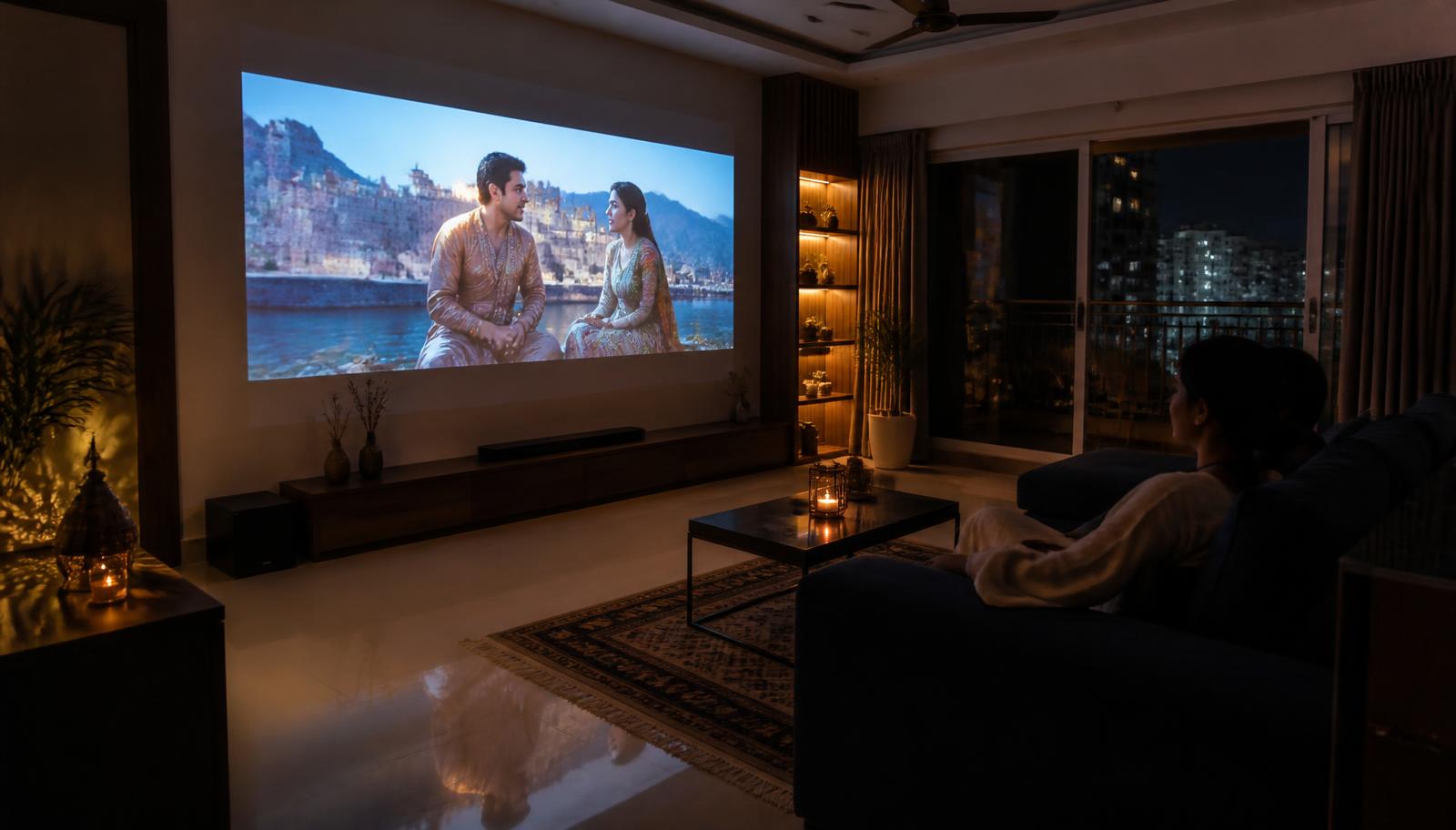
Large 4K projected image filling the wall of a modern Indian living room at night
    Use Case · Native 4K

    XGIMI 4K Projectors

    Four XGIMI models are native 3840 × 2160. They split into one ultra short throw design and three long-throw RGB triple-laser projectors that differ mainly in light output.

    Quick answer

    XGIMI's native 4K models are the AURA 2 (ultra short throw, 2300 ISO lumens, Dual Light 2.0) and the HORIZON 20 family — HORIZON 20 at 3200 ISO lumens, HORIZON 20 Pro at 4100 and HORIZON 20 Max at 5700, all RGB triple laser with HDR10+, Dolby Vision and IMAX Enhanced. AURA 2 sits on a console centimetres from the wall; the HORIZON 20 models mount on a table or ceiling and cover 40 to 300 inches.

    Please note: XGIMI projector demonstrations are currently not available at our experience centres. We continue to help with model selection, room planning, screen selection, installation and calibration — contact us to discuss your room.

    Why RGB triple laser matters

    An RGB triple-laser light source generates red, green and blue light directly rather than filtering white light through a colour wheel. In practice that means a wider colour gamut and no colour-wheel rainbow artefacts. XGIMI publishes 20,000:1 contrast on the HORIZON 20 family alongside HDR10+, Dolby Vision and IMAX Enhanced support.

    4K resolution is not the reason to upgrade — light is

    At normal Indian seating distances, the jump from 1080p to 4K is visible but modest. The jump from 450 ISO lumens to 4100 is dramatic. If you are choosing between a 1080p portable and a 4K home projector, the brightness difference will change your viewing habits far more than the pixel count.

    Ultra short throw versus long throw

    AURA 2 projects at 0.177:1 — roughly 17.8 cm from the wall for a 100 inch image — which removes ceiling mounting and long cable runs entirely. The trade-off is that UST geometry exposes every undulation in the wall, so a UST ambient-light-rejecting screen is strongly recommended. The HORIZON 20 models sit at roughly 1.2–1.5:1, need a mounting position behind the seating, and offer lens shift and optical zoom to make that placement flexible.

    The models that qualify

    Only the models whose published specifications support this use case are listed.

    Published specifications for the relevant models
    ModelResolutionBrightnessLight sourceBatteryImage size
    XGIMI AURA 23840 × 2160 (4K)2300 ISO lumensDual Light 2.0 (laser + LED hybrid)No90" – 150"
    XGIMI HORIZON 203840 × 2160 (4K)3200 ISO lumensRGB triple laser (X-Master engine)NoNot specified by manufacturer
    XGIMI HORIZON 20 Pro3840 × 2160 (4K)4100 ISO lumensRGB triple laserNo40" – 300"
    XGIMI HORIZON 20 Max3840 × 2160 (4K)5700 ISO lumensRGB triple laserNo40" – 300"

    Turn an XGIMI projector into a complete home theatre

    A projector is one component. The result people actually remember comes from the whole chain: display, screen, sound, room treatment and control. This is the part LiveInSmart does day to day — see our home theatre setup guide and Dolby Atmos page.

    • Projector and matched screen — gain, size and ambient-light rejection chosen for your room
    • AV receiver and speakers — 5.1, 5.1.2 or 7.1.4 depending on room and ceiling
    • Subwoofer placement and level matching
    • Acoustic treatment at first reflection points — see the acoustics guide
    • Lighting and motorised shades so the room can actually go dark
    • Smart control so one button runs the whole sequence

    Warranty guidance

    XGIMI publishes a 1-year limited warranty for MoGo 4, MoGo 4 Laser and Halo+, and a 2-year limited warranty for HORIZON 20, HORIZON 20 Pro, HORIZON 20 Max and AURA 2. Verify the warranty terms applicable to the exact model and region before making a decision.

    Experience Centre · Hyderabad

    Visit our Hyderabad showroom

    Book a free demo at the LiveInSmart Hyderabad Experience Centre — listen to Dolby Atmos, see 4K laser projectors and walk through live home-automation scenes before you buy.

    Pancom Business Centre, Mumbai Hwy, Nagarjuna Nagar Colony, Ameerpet, Hyderabad 500073

    Frequently Asked Questions

    Which XGIMI 4K projector is brightest?+

    HORIZON 20 Max at 5700 ISO lumens, then HORIZON 20 Pro at 4100, HORIZON 20 at 3200 and AURA 2 at 2300.

    Do XGIMI 4K projectors support Dolby Vision?+

    Yes — AURA 2, HORIZON 20, HORIZON 20 Pro and HORIZON 20 Max all list Dolby Vision. The HORIZON 20 family also lists HDR10+ and IMAX Enhanced.

    What screen size can a HORIZON 20 Pro produce?+

    XGIMI publishes 40 to 300 inches, with a throw ratio of 1.2 to 1.5:1. The right size for your room depends on throw distance, seating distance and ambient light.

    Is the AURA 2 or the HORIZON 20 better for a living room?+

    It depends on placement. If you cannot mount anything behind the seating, AURA 2 on the console is the practical answer. If you can mount, HORIZON 20 gives you more brightness and a far wider screen-size range.

    Do I need a special screen for a 4K laser projector?+

    Not strictly, but the screen decides a large part of the result. In a bright room an ambient-light-rejecting screen is worth more than a brighter projector — and with ultra short throw it is close to essential.

    Can these projectors be calibrated?+

    Yes. We calibrate picture mode, colour temperature, gamma and HDR handling after installation, against the screen actually being used.

    Need help choosing the right XGIMI projector?

    Share your room size, viewing distance and intended use with our projector specialists. Demonstrations are currently not available, but the LiveInSmart AV team will recommend the right model using published specifications and our installation experience.

    Get XGIMI Expert Recommendation