


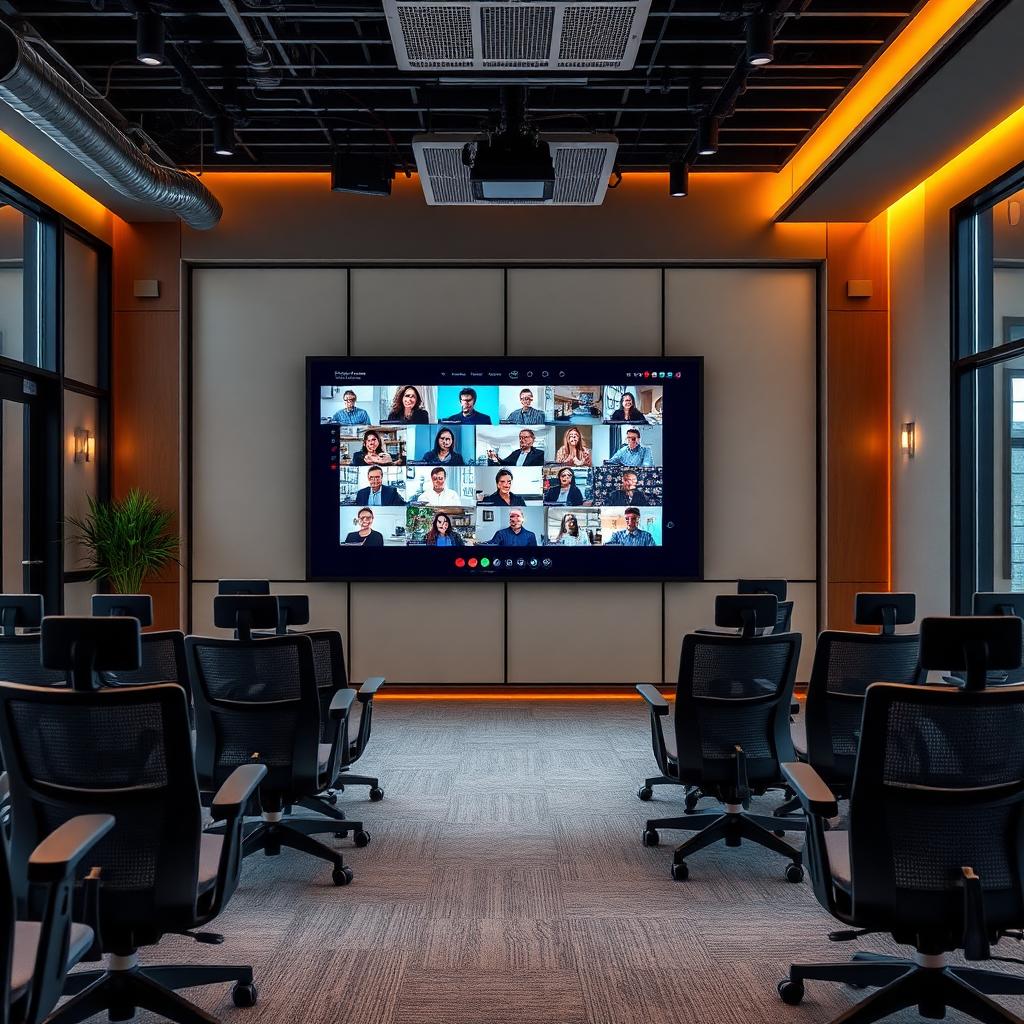
86-inch 4K interactive flat panel installed in a smart classroom with students using the touch whiteboard
    Sizing · Engineering Guide

    Interactive Flat Panel Size Guide

    The correct interactive flat panel size is set by one number: the distance from the screen to the back row. The working rule is that the furthest viewer should sit no more than 6× the screen height away for detailed content. Get this wrong and the back row squints at every lesson for the next seven years.

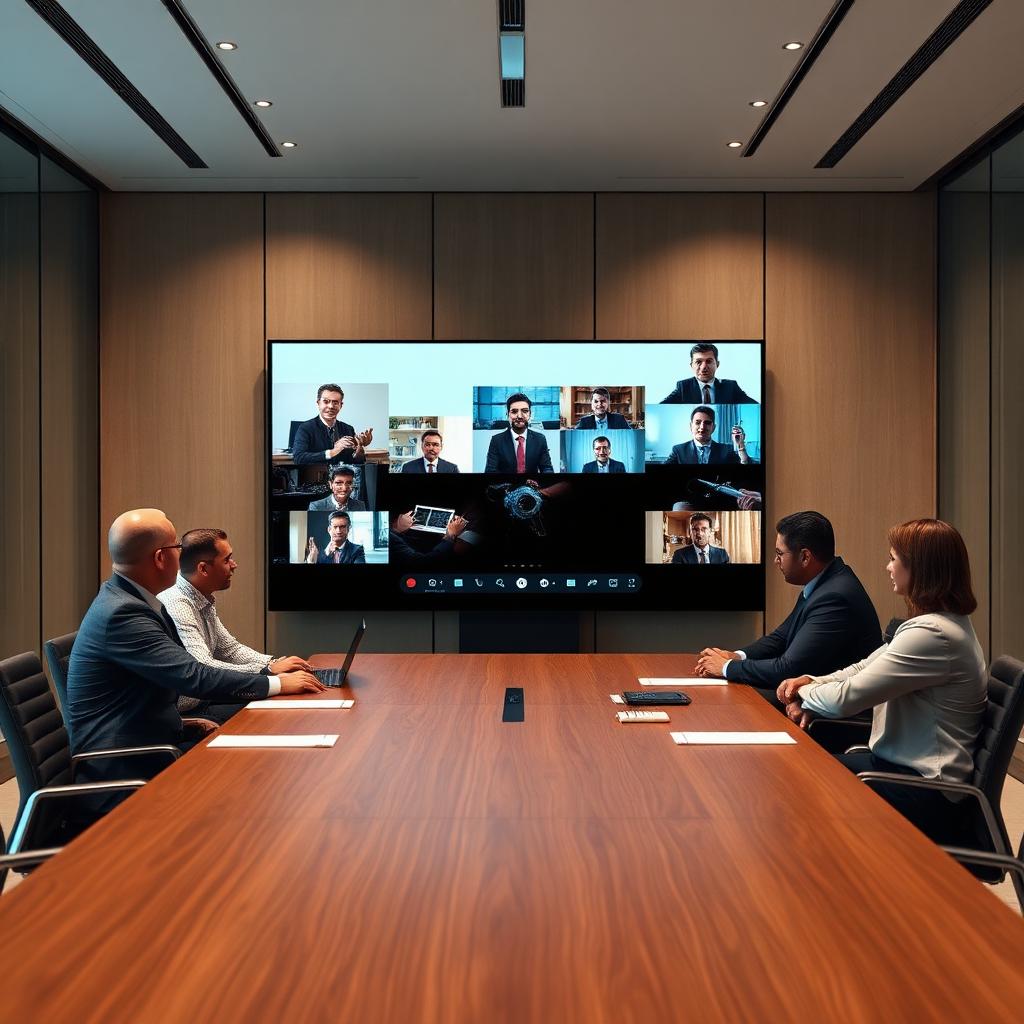
    75-inch interactive flat panel in a corporate boardroom running a wireless video conference
    Corporate boardroom deployment — 75" 4K interactive flat panel with wireless casting and Windows OPS module.
    Interactive flat panel used by a teacher in a K-12 smart classroom
    Smart classroom — 86" panel on a fixed wall mount at teaching height.
    Interactive flat panel in a boardroom with video conferencing camera and soundbar
    Boardroom — panel paired with a UC camera bar and OPS PC.
    Close-up of a passive stylus writing on a capacitive interactive flat panel surface
    Writing latency and palm rejection decide daily usability more than spec sheets.
    Interactive flat panel on a mobile trolley in a corporate training room
    Training room — mobile trolley mount for rooms that get reconfigured weekly.

    Size Selection Chart

    Pick the row that matches your furthest viewer, not your budget. If the two disagree, buy fewer panels of the correct size rather than more panels that are too small.

    • 55 inch | 10–18 seats | up to 4.5 m from screen | huddle rooms, small meeting rooms, clinic consultation rooms, reception areas | ₹75,000 – ₹1,10,000
    • 65 inch | 20–35 seats | up to 6 m from screen | standard K-12 classrooms, small training rooms, meeting rooms | ₹95,000 – ₹1,60,000
    • 75 inch | 35–50 seats | up to 7.5 m from screen | larger classrooms, corporate boardrooms, training rooms, labs | ₹1,30,000 – ₹2,30,000
    • 86 inch | 50–80 seats | up to 9 m from screen | lecture halls, seminar rooms, large boardrooms, command rooms | ₹2,00,000 – ₹3,40,000
    • 98 inch | 80–120 seats | up to 11 m from screen | auditoriums, large lecture theatres, town-hall and briefing rooms | ₹5,00,000 – ₹7,50,000
    • 110 inch | 120+ seats | up to 13 m from screen | auditoriums, large-format command centres, flagship boardrooms | ₹9,00,000+

    How to Calculate Viewing Distance Yourself

    Measure floor-to-back-row distance in metres. Divide by 6 to get the minimum screen height needed, then multiply by 2.3 to get the diagonal in the same units (16:9 geometry). Convert to inches by multiplying by 39.4. A 7 m back row therefore needs roughly a 75-inch panel as a minimum, not a maximum.

    • Detailed content (spreadsheets, code, CAD) | back row ≤ 4× screen height
    • Standard content (slides, textbook pages) | back row ≤ 6× screen height
    • Passive viewing (video, dashboards) | back row ≤ 8× screen height
    • Mounting height | screen centre at 1.2–1.4 m for teaching, 1.3–1.5 m for boardrooms

    Common Sizing Mistakes We Fix on Site

    Most of the panels we are called in to replace were not defective — they were the wrong size or hung at the wrong height. These are the five failures we see repeatedly.

    • Buying 55" or 65" for a hall because the budget was set before the room was measured
    • Mounting too high — a teacher cannot write on the top third of an 86" panel at 1.6 m centre height
    • Ignoring door and lift clearances for 86"+ crates, forcing a crane or a return
    • Fixed wall mount in a room that gets reconfigured monthly (a trolley was the right answer)
    • No structural check on drywall — the panel is fine, the wall is not

    Why Buyers Choose LiveInSmart for Interactive Flat Panels

    LiveInSmart is not a reseller. We are a single-vendor solution partner: Consultation → Requirement Analysis → Solution Design → Product Supply → Installation → Training → Annual Maintenance & Support. That means one contract, one accountable engineering team and one support number for the full 5–7 year life of the panel — instead of a box-seller who disappears after delivery.

    • Brand-authorised supply across Uniq, Aaztec, Coltec, Samsung, MAXHUB, Logic, BenQ and ViewSonic
    • 1000+ AV installations delivered across Andhra Pradesh & Telangana
    • Live panels you can touch at the Hyderabad (Ameerpet) and Vijayawada (Ashok Nagar) experience centres
    • In-house installation crew — wall survey, structural mounting, cabling, network and OPS commissioning
    • Teacher / trainer onboarding included, plus AMC with defined response SLAs

    Get a Quote for Interactive Flat Panel Size Guide

    Send us the room dimensions, seating count and how the room is used. You get a sized configuration with model, mount, accessories and an itemised price — usually the same working day. LiveInSmart is not a reseller. We are a single-vendor solution partner: Consultation → Requirement Analysis → Solution Design → Product Supply → Installation → Training → Annual Maintenance & Support.

    Experience Centre · Hyderabad

    Visit our Hyderabad showroom

    Book a free demo at the LiveInSmart Hyderabad Experience Centre — listen to Dolby Atmos, see 4K laser projectors and walk through live home-automation scenes before you buy.

    Pancom Business Centre, Mumbai Hwy, Nagarjuna Nagar Colony, Ameerpet, Hyderabad 500073

    Frequently Asked Questions

    What size interactive flat panel do I need for a classroom?+

    For a standard 25–35 seat classroom with a back row under 6 m, a 65-inch panel is correct. For 35–50 seats or a back row up to 7.5 m, choose 75 inch. Lecture halls beyond 7.5 m need 86 inch or larger.

    Is 75 inch worth it over 65 inch?+

    Usually yes. In 2026 the price gap between 65" and 75" is roughly 25–35%, while usable viewing distance increases about 25% and perceived text size at the back row improves noticeably. For any room deeper than 6 m, 75" is the better long-term buy.

    What is an interactive flat panel?+

    An interactive flat panel is a 4K commercial-grade touchscreen display (typically 55–110 inches) with a built-in Android computer, multi-touch writing surface and wireless screen sharing. It replaces the projector, whiteboard and screen with one device that needs no lamp, no calibration and no darkened room.

    How much does an interactive flat panel cost in India?+

    Expect roughly ₹75,000–₹1,10,000 for a 55–65 inch entry panel, ₹1.3–2.2 lakh for a 75 inch, ₹2–3.2 lakh for an 86 inch and ₹5 lakh+ for 98–110 inch. An OPS Windows module adds ₹28,000–₹55,000 and a motorised trolley ₹25,000–₹60,000.

    How long does installation take?+

    A single room is commissioned in 3–5 hours including mounting, cabling, network onboarding and user training. Multi-room roll-outs run 8–12 panels per week per crew.

    What warranty do interactive flat panels carry?+

    Standard manufacturer warranty is 3 years on-site on the panel across our portfolio brands, with the touch layer and LED backlight covered. Extended 5-year cover and AMC with preventive visits can be added at purchase.

    Can we see a panel working before we buy?+

    Yes. Working panels are available for hands-on demo at the Hyderabad and Vijayawada experience centres, and we run on-site demos at your campus or office for shortlisted configurations.

    Ready to upgrade your space?

    Book a free, no-obligation demo at our Hyderabad or Vijayawada experience centre and hear it for yourself.

    Book Free Demo