
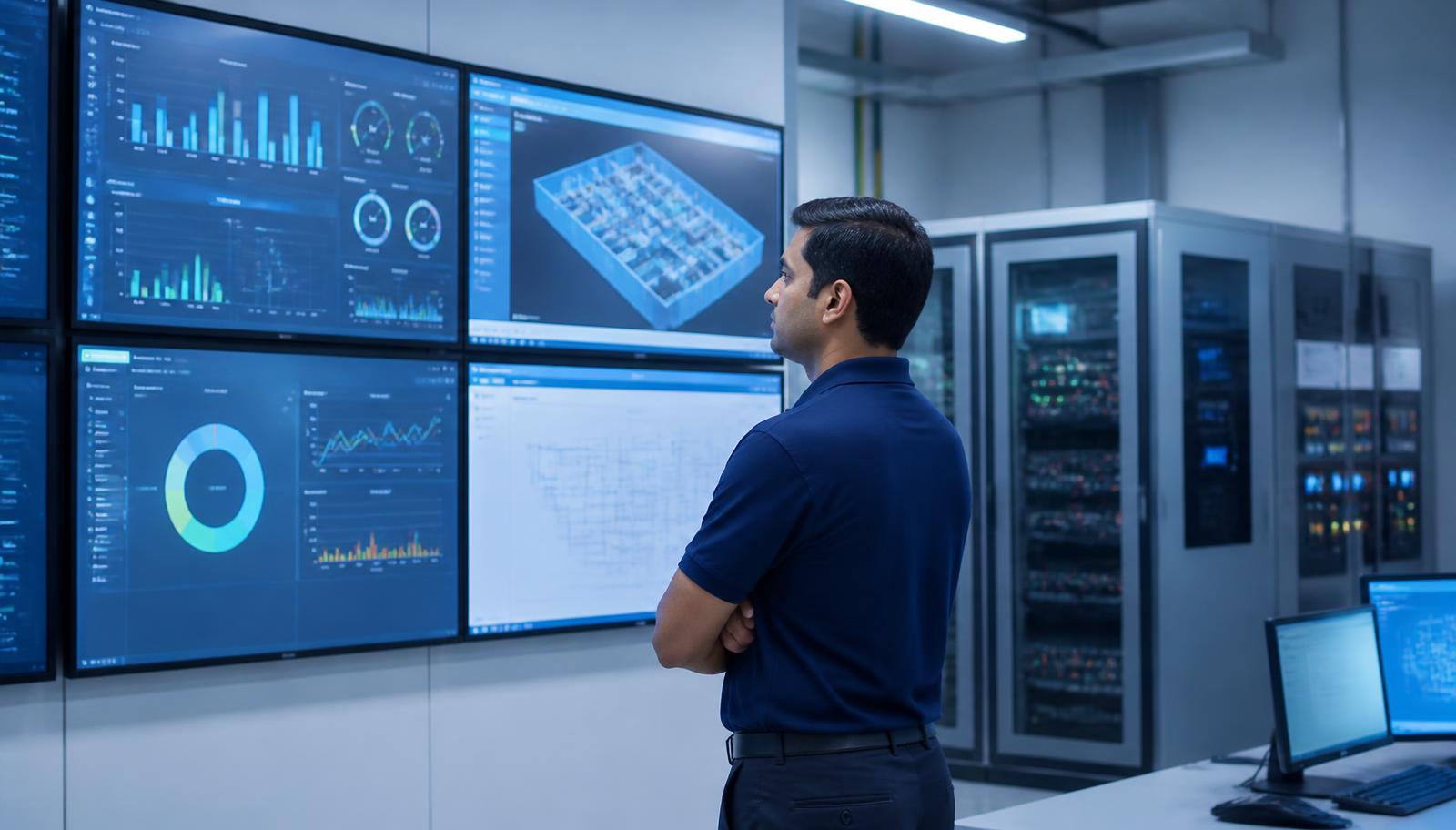
Facility engineer reviewing building management dashboards showing HVAC, lighting and energy data on wall-mounted screens
    Commercial Automation · Decision Guide

    BMS vs Smart Office Automation: What Your Building Actually Needs

    Both control a commercial building, but they serve different users and solve different problems. This guide explains the difference in scope, ownership and cost so you can decide what to specify — and when a site genuinely needs both layers.

    Quick answer

    A BMS (Building Management System) is a supervisory layer for building services — HVAC plant, pumps, common-area lighting, power and energy meters, alarms — operated mainly by the facility team. Smart office automation is workspace-level control that occupants experience directly: cabin and meeting-room lighting scenes, climate presets, blinds, AV and room control. Small and single-floor offices usually need only the office layer; multi-floor buildings with central plant need a BMS; large sites run both, with the office layer reporting into the BMS.

    The core difference in one table

    Same building, different jobs. The distinction that matters most is who operates the system day to day.

    BMS compared with smart office automation
    BMSSmart Office Automation
    Primary userFacility / maintenance teamEmployees and meeting-room users
    ScopeHVAC plant, pumps, DG/UPS status, common-area lighting, meters, alarmsCabin and room lighting, climate presets, blinds, AV and room control
    ObjectivePlant uptime, energy accounting, alarm responseComfort, productivity, one-touch usability
    Typical interfaceSupervisory workstation and dashboardsWall keypads, touch panels, apps, room controllers
    ProtocolsBACnet, Modbus, and vendor plant interfacesKNX, Zigbee/Z-Wave, proprietary controllers, IP room control
    Best fitMulti-floor buildings with central plantSingle floors, tenancies and fit-outs

    When a BMS is the right call

    Specify a BMS when there is central plant to supervise and a facility team accountable for it: chillers or large VRF banks, pumps and tanks, DG and UPS, tenant-wise energy metering, or a service-level obligation to respond to alarms. The value is visibility and accountability — trend logs that show whether plant is actually running to schedule, alarms that escalate to a named person, and metering that lets you attribute consumption to a floor or tenant instead of arguing over a single bill.

    When smart office automation is enough

    For a single-floor office, a tenancy inside an IT park, a clinic or a showroom, an office-level layer usually delivers most of the benefit at a fraction of the cost. Occupancy and daylight-linked lighting, shift-aligned schedules, meeting-room scenes and HVAC setpoint limits remove the two biggest waste sources — lighting and cooling running out of hours — without commissioning a supervisory platform nobody has staff to watch.

    When you need both — and how they connect

    Large campuses and multi-floor headquarters typically run both: workspace controllers manage the occupant experience, and their status, schedules and energy data are exposed upward to the BMS over BACnet or Modbus so the facility team keeps one view. Designing this connection at the start matters — retrofitting an integration between two systems chosen independently is usually the most expensive way to arrive at the same result.

    • Decide the supervisory layer before selecting field devices, so protocol support is a purchase criterion rather than a later problem.
    • Keep one time source and one schedule owner; two systems with conflicting schedules will fight each other.
    • Agree which alarms escalate to people versus which are logged only — alarm floods get ignored.
    • Meter at feeder level from day one; retro-fitting metering is more disruptive than installing it during the fit-out.
    Experience Centre · Hyderabad

    Visit our Hyderabad showroom

    Book a free demo at the LiveInSmart Hyderabad Experience Centre — listen to Dolby Atmos, see 4K laser projectors and walk through live home-automation scenes before you buy.

    Pancom Business Centre, Mumbai Hwy, Nagarjuna Nagar Colony, Ameerpet, Hyderabad 500073

    Frequently Asked Questions

    What is the difference between a BMS and building automation?+

    In practice the terms overlap: building automation is the general control of building services, and a BMS is the supervisory software and hardware layer that monitors and manages them centrally with schedules, trends and alarms. The meaningful distinction is between building-services supervision and workspace-level occupant control.

    Do small offices need a BMS?+

    Usually no. A single-floor office without central plant gets most of the benefit from lighting and HVAC automation, access control and energy metering. A BMS becomes worthwhile when there is central plant, several floors, or a facility team accountable for uptime and energy reporting.

    Can an existing BMS be integrated with new office automation?+

    Often yes, if the existing BMS exposes BACnet, Modbus or a documented API. We check available integration points during the site audit before committing to a design, because undocumented or closed legacy systems sometimes need a gateway or a supervisory replacement.

    Which saves more energy?+

    Lighting and HVAC scheduling at the workspace level usually shows the fastest measurable savings because it eliminates out-of-hours running. A BMS delivers savings more slowly but more durably, through plant optimisation, trend analysis and metering that makes waste visible.

    Ready to upgrade your space?

    Book a free, no-obligation demo at our Hyderabad or Vijayawada experience centre and hear it for yourself.

    Book Free Demo