
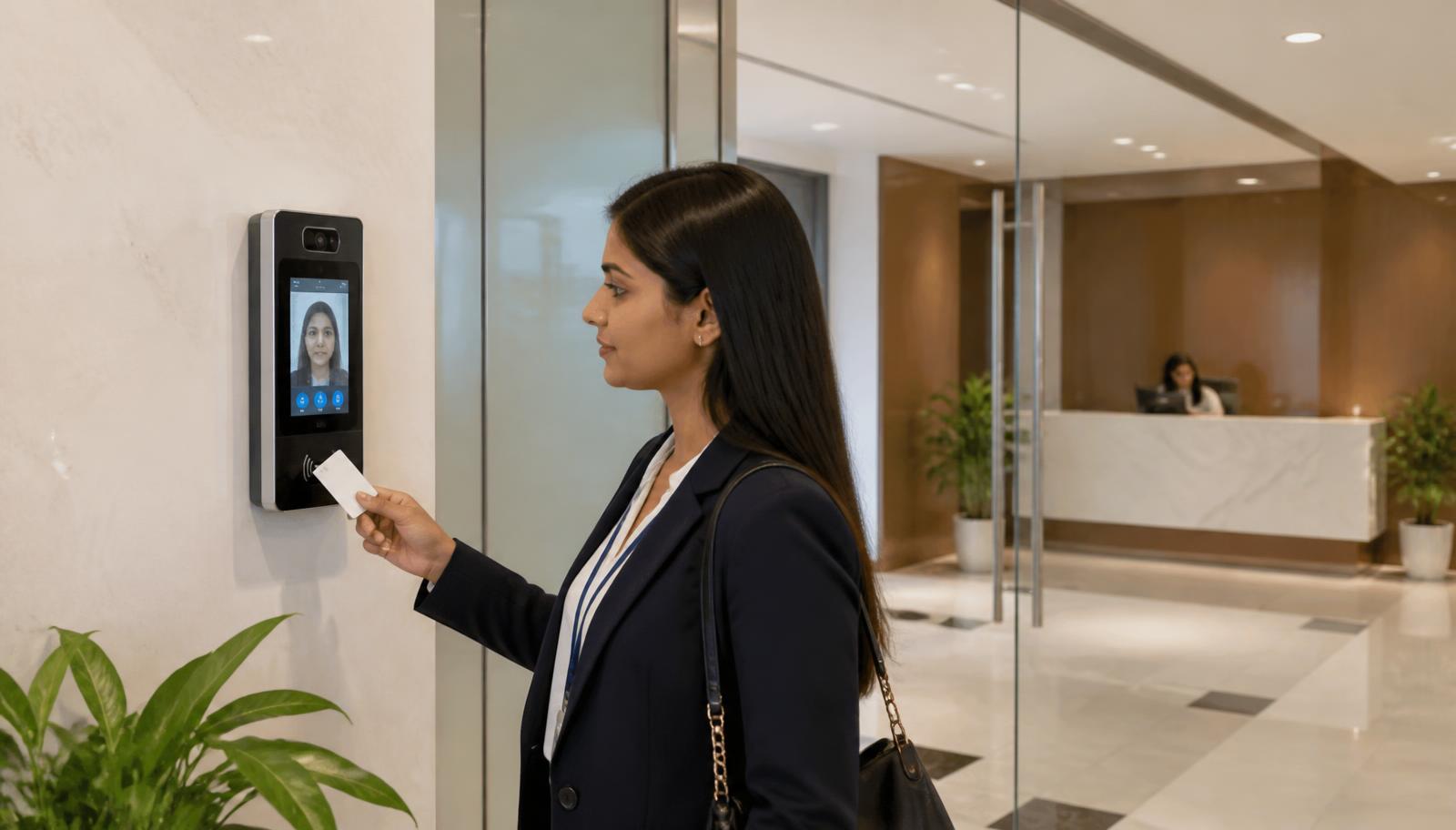
Employee presenting credentials at a face-recognition access terminal in a corporate office reception
    Commercial Security · Decision Guide

    Biometric Attendance vs Access Control: Which One Does Your Office Need?

    They often use the same reader, so they get treated as the same product — and then attendance data is unusable or a door fails open. This guide separates the two functions, explains where they overlap, and covers the throughput and data questions that decide the design.

    Quick answer

    Biometric attendance records who was present and when, feeding shift and payroll reporting. Access control decides who may pass through which door, at what time, and logs the event. A biometric reader can serve both, but the system design differs: attendance needs peak-minute throughput and clean payroll exports, while access control needs door controllers, fail-safe or fail-secure locking, anti-passback and emergency egress compliance. Most commercial offices end up running both on one integrated platform.

    Function-by-function comparison

    The hardware overlaps; the requirements do not.

    Biometric attendance compared with access control
    Biometric AttendanceAccess Control
    Question answeredWho was here, and for how long?Who may go through this door, and when?
    Primary ownerHR and payrollAdmin, security and facilities
    Critical hardwareReaders sized for shift-change throughputDoor controllers, locks, REX, emergency release, power backup
    Failure impactPayroll disputes and manual reconciliationPeople locked out or a door left unsecured
    Key outputsShift, late-mark and overtime reports, payroll exportsDoor event logs, zone permissions, alarm and audit trails
    Common credentialsFingerprint, face, cardCard, PIN, fingerprint, face, mobile credential

    Where they should be integrated

    Running them separately means enrolling every employee twice and reconciling two databases. Integrated, one enrolment drives both: a joiner gets attendance tracking and door permissions in one action, and a leaver is revoked everywhere the same day — which is the single most common security gap we find during audits. Integration also lets access events feed surveillance, so a forced-door or after-hours event pulls up the matching camera.

    • One enrolment and one de-enrolment workflow across attendance, doors and visitor management.
    • Role or department-based permissions rather than per-person exceptions that nobody maintains.
    • Access events linked to CCTV for investigation, and to visitor records for full-site accountability.
    • Payroll export in the format your payroll system actually ingests — confirm this before purchase, not after.

    Throughput, hygiene and reliability considerations

    Design decisions that get missed at quoting stage and cause complaints after handover.

    • Size readers for the busiest minute, not the headcount — a 400-person floor arriving in a 15-minute window needs multiple lanes or queues will form.
    • Contactless face recognition avoids the hygiene and worn-fingerprint problems common with manual and industrial workforces.
    • Doors must fail correctly: life-safety egress and fire-alarm interfacing are not optional and should be confirmed against the building's requirements at design stage.
    • Put controllers and readers behind UPS, so a power event does not strand people or lose event logs.
    • Decide biometric template storage and retention policy explicitly, and record who can access the data.
    Experience Centre · Hyderabad

    Visit our Hyderabad showroom

    Book a free demo at the LiveInSmart Hyderabad Experience Centre — listen to Dolby Atmos, see 4K laser projectors and walk through live home-automation scenes before you buy.

    Pancom Business Centre, Mumbai Hwy, Nagarjuna Nagar Colony, Ameerpet, Hyderabad 500073

    Frequently Asked Questions

    Can one biometric device handle both attendance and access control?+

    Yes, many commercial readers do both — the device records the punch for attendance and simultaneously releases the door. The design still has to satisfy both requirement sets: throughput and payroll export for attendance, and door controllers, safe egress and event logging for access.

    Is face recognition better than fingerprint for offices?+

    For most commercial sites face recognition is more practical: it is contactless, faster at shift change, and unaffected by worn or damp fingerprints, which matters in industrial and field workforces. Fingerprint remains a cost-effective choice for smaller offices with steady arrival patterns.

    Can these systems work across multiple branches?+

    Yes. Multi-site deployments are managed from a central console with per-site permissions and consolidated reporting, provided each branch has network connectivity back to the management server or cloud service used.

    What happens during a power or network failure?+

    Controllers should hold their permission database locally and stay powered by UPS, so doors keep working and events are buffered while the network is down, then sync when it returns. This behaviour should be verified at commissioning rather than assumed.

    Ready to upgrade your space?

    Book a free, no-obligation demo at our Hyderabad or Vijayawada experience centre and hear it for yourself.

    Book Free Demo